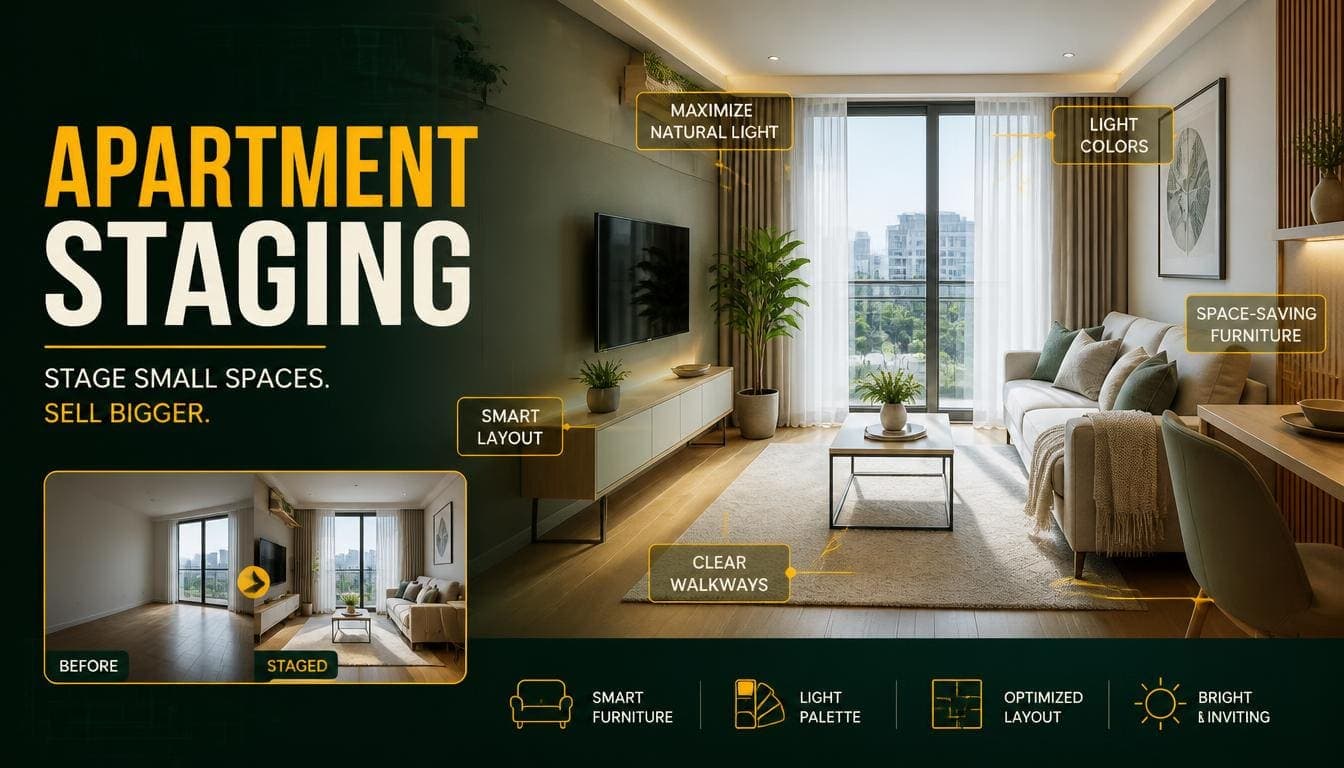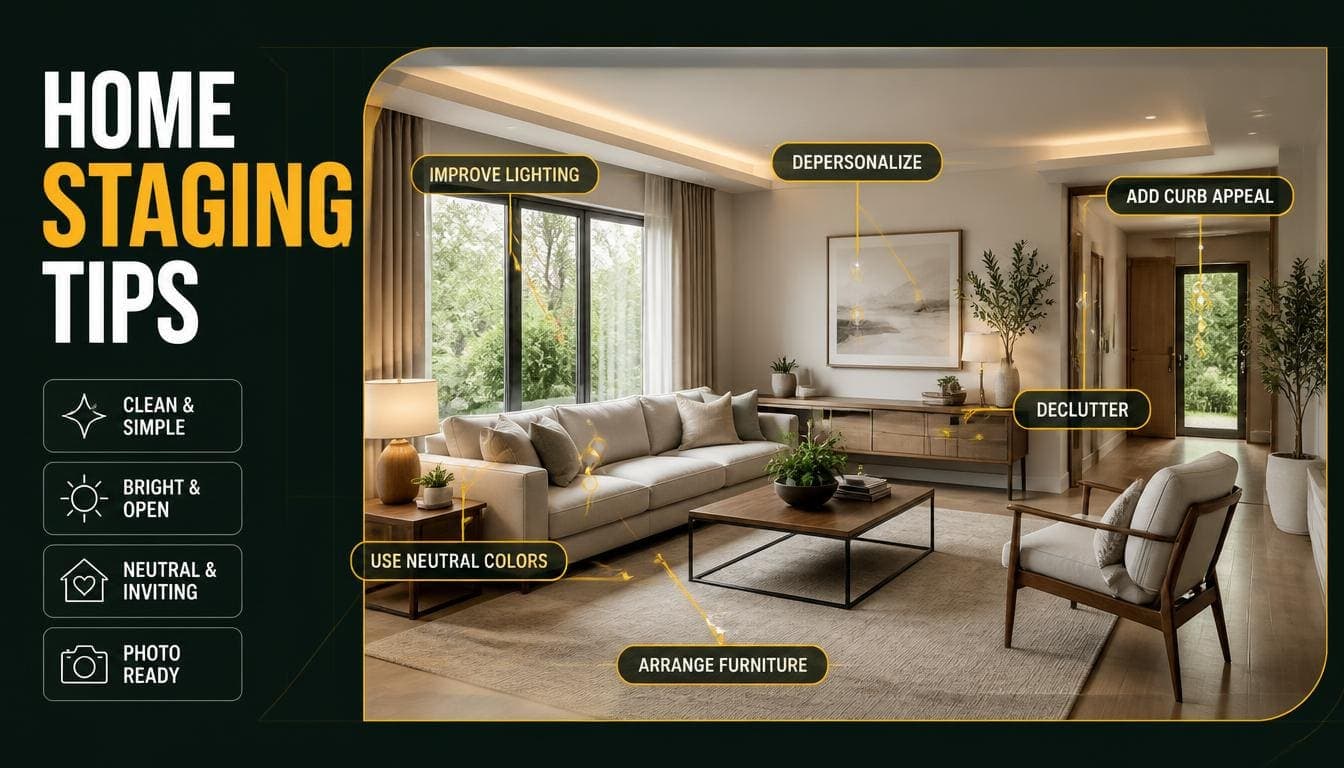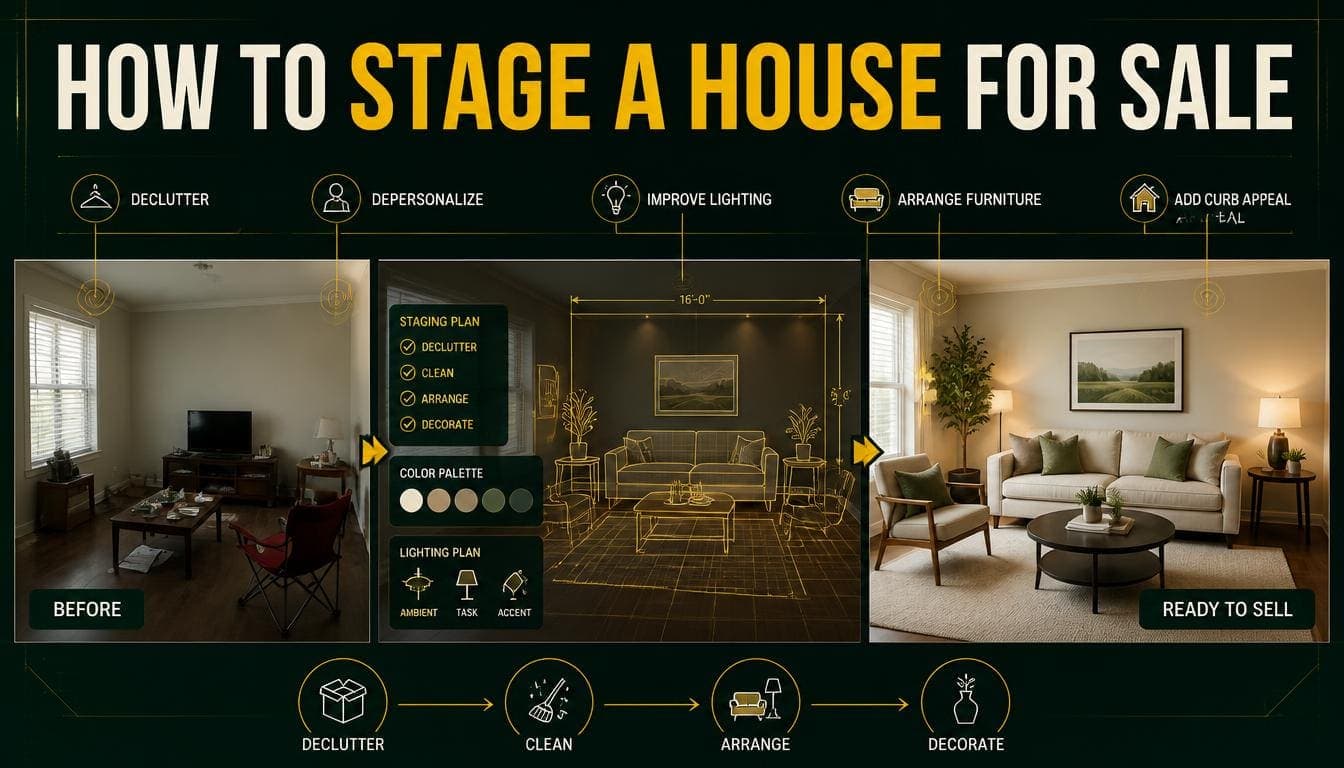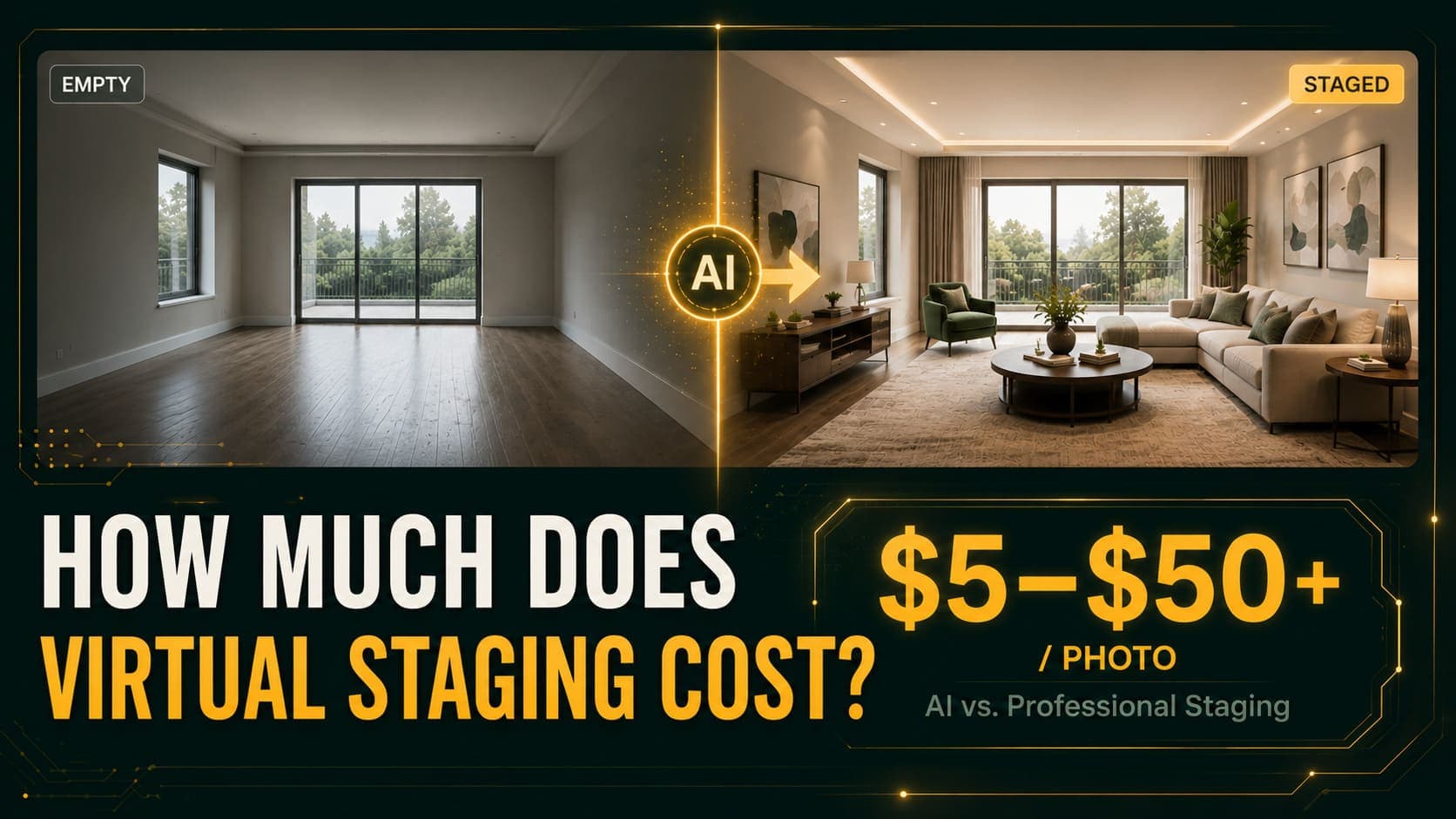
Virtually staging a home takes about three minutes per room once you know what you're doing. The AI part is the easy bit — it happens in 30 seconds. The difference between a result that looks professionally staged and one that looks obviously fake comes almost entirely from what you do before you upload.
This guide walks through the full process: preparing the room, shooting the photo, choosing a style, and fixing the problems that show up in bad results.
What You Need Before You Start
- A smartphone from the last five years (any modern camera works)
- Access to the empty rooms you want to stage
- A virtual staging account — DecoAI gives 3 free credits with no card
- About 20 minutes for a full property
That's it. No professional photographer, no design software, no equipment.
Try DecoAI Free
3 free credits. No credit card needed. Stage any room in 30 seconds.
Get 3 Free CreditsStep 1: Prepare the Room
This is the step most people skip, and it's the one that determines your output quality more than anything else.
Clear Everything Out
Remove every object from the room. Not most objects — every object.
- Cleaning supplies, buckets, mops
- Cardboard boxes and packing material
- Leftover furniture, even a single chair
- Paint cans, tools, ladders
- Trash bags, cables, extension cords
AI staging works by understanding the room's empty geometry and then generating furniture into that space. Any leftover object confuses that process. You'll get furniture overlapping a stray box, or the AI will treat a paint can as a piece of the room's structure.
Clean the Floors
Dust, footprints, and scuff marks are far more visible in the final image than they look in person. The AI won't remove them — it stages around them.
A quick sweep and wipe takes five minutes and noticeably improves the result.
Open All Curtains and Blinds
Natural light does two things: it makes the room look larger, and it gives the AI accurate information about where light is coming from. Staged furniture will have shadows that match the real lighting direction.
Closed curtains produce flat, dim results that look artificial.
Turn On Every Light
Even during the day. Ceiling lights, lamps, under-cabinet lighting — all of it. This fills shadow areas that would otherwise render as dark patches in the staged image.
Step 2: Take the Photo
Where to Stand
Stand in a corner of the room, facing diagonally across it.
This single decision matters more than your camera. Shooting from a corner captures two walls and the maximum amount of floor space, which gives the AI room to place furniture naturally. Shooting from the middle of a wall produces a flat, cramped composition with nowhere for furniture to sit.
Camera Height
Hold the camera at roughly chest height — about 1.2 meters. This matches the perspective people naturally expect from interior photography.
Shooting from waist height makes ceilings look enormous and floors look distorted. Shooting from eye height (1.6m+) compresses the floor and makes rooms feel smaller.
Keep It Level
Tilt the camera up or down and the vertical lines in the room converge. The AI will generate furniture that matches the tilted perspective, which reads as "off" even to people who can't articulate why.
Most phone cameras have a level indicator in the settings. Turn it on.
Use Wide-Angle — But Not Extreme
Wide-angle captures more of the room, which helps. Extreme fisheye distortion does the opposite — it warps the room's geometry so severely that the AI's perspective mapping breaks.
If your phone has 0.5x and 1x lenses, 0.5x usually works well. Dedicated fisheye attachments usually don't.
Time of Day
Between 10am and 2pm is ideal. The sun is high, light comes in evenly, and shadows are soft.
Early morning and late afternoon produce long, dramatic shadows that make the AI's job harder and often look strange once furniture is added.
Take Multiple Shots
Shoot the room from two or three different corners. Some angles stage better than others, and you won't always know which until you see the result. At $0.10 per image, testing two angles costs $0.20.
Step 3: Upload and Choose Settings
Uploading
Drag and drop, or click to browse. Most tools accept JPG, PNG, and WEBP up to 10MB.
Don't compress the image first. Higher resolution input produces sharper output. Send the original file straight from your phone.
Select Room Type
Choose from the standard options:
- Living room
- Bedroom
- Kitchen
- Bathroom
- Home office
- Dining room
This tells the AI which furniture category to generate. Selecting "bedroom" for a living room produces a bed in your living room — the AI follows your instruction, not the room's actual purpose.
Select Design Style
This is your biggest creative decision. Here's how to choose:
Modern — Clean lines, neutral palette, low-profile furniture. The safest default. Works in nearly any market and rarely alienates anyone.
Scandinavian — Light wood, white walls, soft textures. Makes small rooms feel larger. Strong appeal to younger buyers.
Luxury — Premium materials, statement lighting, rich fabrics. Match this to properties where the price point supports the expectation.
Minimalist — Only essential pieces, maximum open floor. Best for studios and compact spaces where showing square footage matters.
Industrial — Exposed textures, metal fixtures, darker tones. Fits lofts and converted spaces with existing character.
Bohemian — Layered patterns, warm earth tones, plants. Works for vacation rentals and creative markets.
Traditional — Classic wooden furniture, warm neutrals, symmetry. Strong for family homes and suburban markets.
Contemporary — Current trends, mixed materials, bold accents. Broad appeal without feeling dated.
The Rule for Style Selection
Match the market, not your personal taste.
Research what sells in your area. A Bohemian living room in a conservative suburban market will get fewer inquiries than a Traditional one, regardless of which you find more attractive.
Try DecoAI Free
3 free credits. No credit card needed. Stage any room in 30 seconds.
Get 3 Free CreditsStep 4: Generate and Review
Click generate. With DecoAI this takes about 30 seconds.
What to Check in the Result
Look at the full-size image, not the thumbnail. Artifacts hide in small previews.
Perspective — Does the furniture sit flat on the floor, or does it float or tilt? Furniture should follow the same vanishing point as the room.
Scale — Is the sofa the right size relative to the room? Oversized furniture in a small room is a common AI error.
Shadows — Do furniture shadows fall in the same direction as the real shadows from windows?
Overlaps — Does anything intersect walls, doors, or windows?
Doorways — Is furniture blocking a door or walkway in an obviously impractical way?
If the Result Isn't Right
Regenerate. At $0.10 per image, generating three to five variations and picking the best costs less than $0.50.
If every variation has the same problem, the issue is your input photo. Go back and reshoot with better lighting or a different angle.
Step 5: Download and Use
Download at full resolution. Check that the output resolution matches or exceeds what you need — some platforms deliver at lower resolution than your input.
Standard practice across the industry is to label staged images as "virtually staged" in the caption. Most agents do this as a matter of course, and viewers generally appreciate the transparency.
How to Stage Each Room Type
Different rooms need different approaches.
Living Room
The emotional anchor of any property. This is the image people remember.
Best styles: Modern, Scandinavian, Contemporary Shoot from: The corner opposite the main window Watch for: Furniture blocking the natural walkway to other rooms
Bedroom
Buyers imagine themselves sleeping here. Keep it calm.
Best styles: Scandinavian, Modern, Traditional Shoot from: The corner diagonally opposite the bed wall Watch for: Bed scale — AI sometimes generates beds too large for the room
Kitchen
Usually staged lightly. You're adding accessories, not furniture.
Best styles: Modern, Minimalist Shoot from: The doorway or the corner with the widest view Watch for: AI generating floating items on countertops
Home Office
Increasingly important. Buyers look for workspace potential.
Best styles: Modern, Industrial, Minimalist Shoot from: The corner facing the window if possible Watch for: Desk placement blocking the window
Dining Room
Creates a lifestyle narrative — family dinners, entertaining.
Best styles: Traditional, Contemporary, Scandinavian Shoot from: A corner showing the full table area Watch for: Chair count matching the room's actual capacity
Bathroom
The hardest room for AI staging. Focus on soft furnishings and accessories.
Best styles: Modern, Luxury Shoot from: The doorway Watch for: Mirrors reflecting things that shouldn't be there
Common Mistakes and How to Fix Them
Mistake 1: Staging a Cluttered Room
Symptom: Furniture overlapping random objects, weird artifacts around leftover items.
Fix: Empty the room completely before shooting. Every object, no exceptions.
Mistake 2: Shooting in Poor Light
Symptom: Dark, muddy results with furniture that looks pasted on.
Fix: Shoot midday, curtains open, all lights on.
Mistake 3: Wrong Room Type Selected
Symptom: A bed in the living room, a dining table in a bedroom.
Fix: Double-check the room type dropdown before generating.
Mistake 4: Extreme Wide-Angle
Symptom: Furniture that doesn't match the room's perspective, warped geometry.
Fix: Use standard or moderate wide-angle. Skip fisheye attachments.
Mistake 5: Accepting the First Result
Symptom: Mediocre staging when better was available.
Fix: Generate three to five variations. At $0.10 each, there's no reason not to.
Mistake 6: Style/Property Mismatch
Symptom: Luxury staging on a budget property, or minimalist staging on a family home.
Fix: Match style to price point and local market preferences.
Mistake 7: Tilted Camera
Symptom: Furniture that seems to lean, converging vertical lines.
Fix: Turn on your camera's level indicator and keep it flat.
Pro Tips for Better Results
Test Multiple Styles on One Room
Generate the same living room in Modern, Scandinavian, and Luxury. Compare side by side. You'll often find one style makes the room look noticeably larger or brighter than the others.
Total cost with DecoAI: $0.30.
Stage the Same Room from Two Angles
Different angles stage differently. A corner shot might produce great furniture placement while a straight-on shot produces something cramped.
Keep a Consistent Style Across the Property
Mixing Modern in the living room with Traditional in the bedroom reads as disjointed. Pick one style and use it throughout unless you have a specific reason not to.
Include One Unstaged Photo
Show at least one image of each staged room in its actual empty state. It builds trust and lets viewers see the real space.
Save Your Best Input Photos
If a photo stages well, keep it. You may want to regenerate it in a different style later, and reshooting is more work than restaging.
Frequently Asked Questions
How long does it take to virtually stage a home?
About 3 minutes per room including upload and review. A five-room property takes 15–20 minutes total, plus 20–30 minutes for photography.
Do I need a professional camera?
No. Any smartphone from the last five years produces more than enough resolution. Lighting and angle matter far more than camera quality.
Can I stage a room that still has furniture?
Results are inconsistent. Some tools offer furniture removal as a separate step. The reliable approach is photographing genuinely empty rooms.
How many photos should I stage per property?
Four to six covering the living room, primary bedroom, kitchen, and one or two additional spaces. Staging every room including closets and hallways adds cost without adding impact.
What if the AI puts furniture in the wrong place?
Regenerate. Each attempt produces a different arrangement. If the problem repeats across every attempt, reshoot from a different angle.
Can I choose specific furniture pieces?
Not with most AI tools — they work from style presets rather than individual item selection. Human designer services offer this level of control at a much higher price.
Does virtual staging work on outdoor spaces?
Some tools handle patios and gardens through dedicated landscaping features. Standard virtual staging tools are built for interiors.
What resolution should my photos be?
Whatever your phone produces natively is fine. Don't compress before uploading — higher resolution input produces sharper output.
Can I stage the same photo in multiple styles?
Yes, and it's one of the biggest advantages of AI staging. Generating one room in three styles costs $0.30 with pay-per-image pricing.
Summary Checklist
Before you shoot:
- Room completely empty
- Floors clean
- Curtains open
- All lights on
- Shooting between 10am and 2pm
While shooting:
- Standing in a corner
- Camera at chest height
- Camera level, not tilted
- Moderate wide-angle
- Two or three angles per room
While staging:
- Correct room type selected
- Style matched to market and price point
- Generate 3–5 variations
- Review at full size, not thumbnail
- Consistent style across the property
Ready to try it? DecoAI gives you 3 free staging credits — no credit card required. Photograph one empty room using the steps above and see the result in 30 seconds.