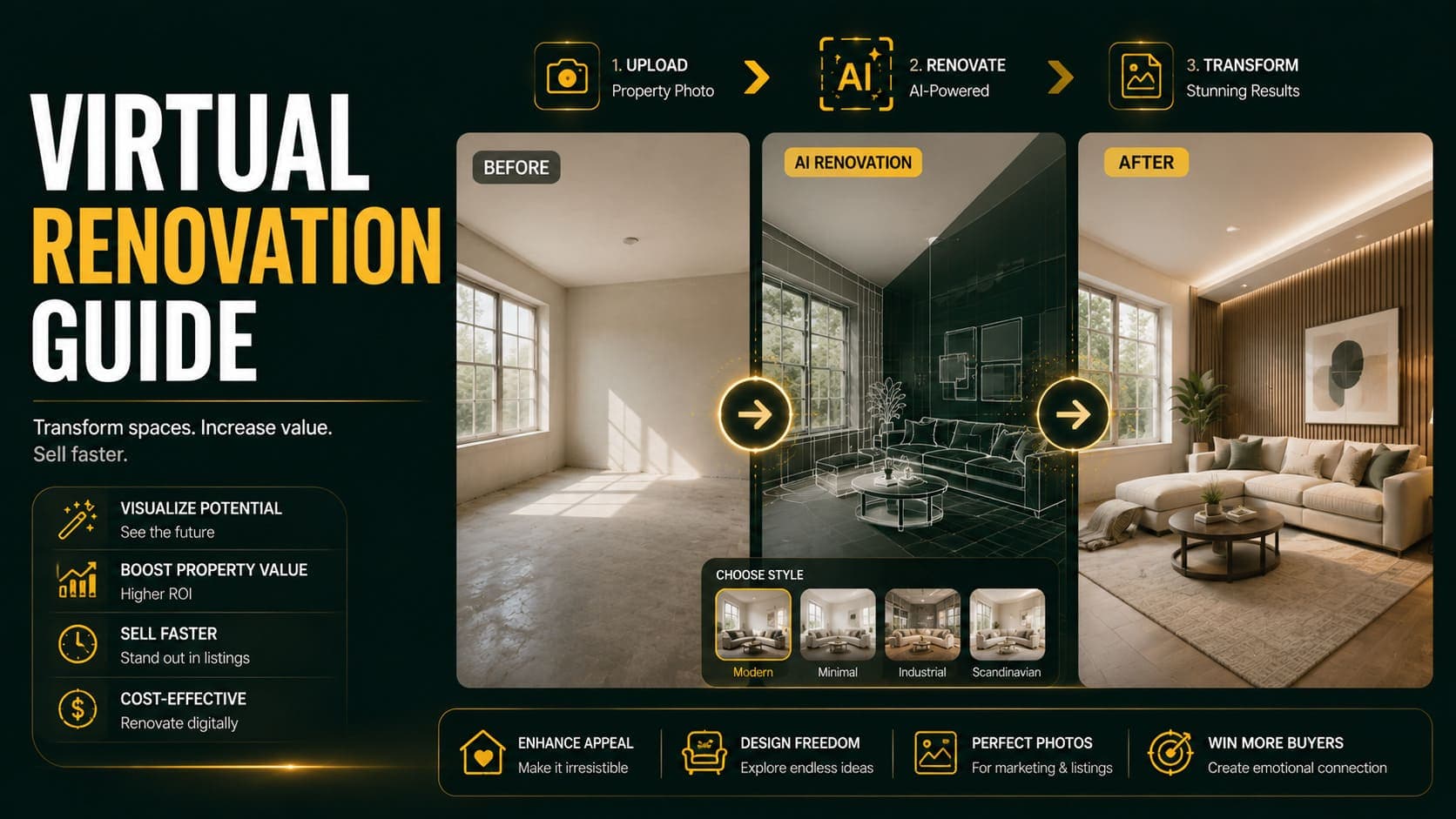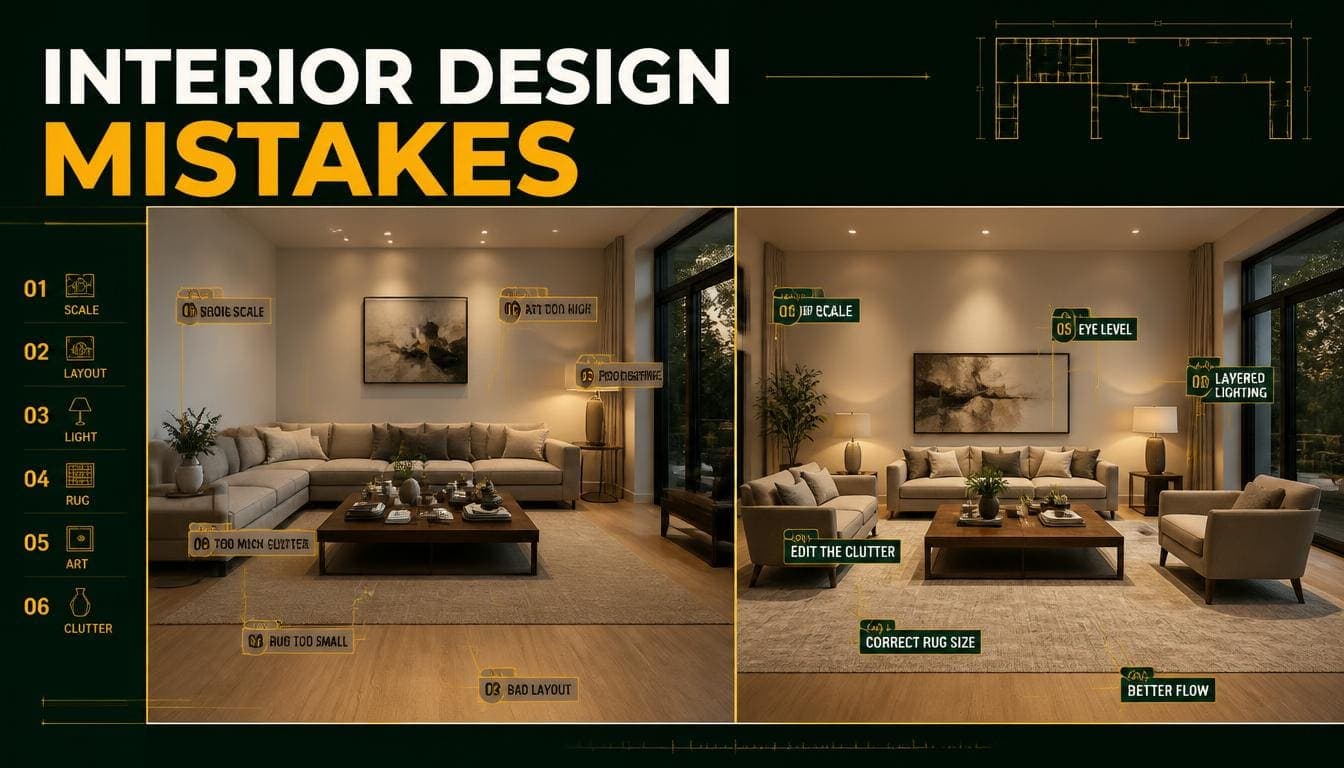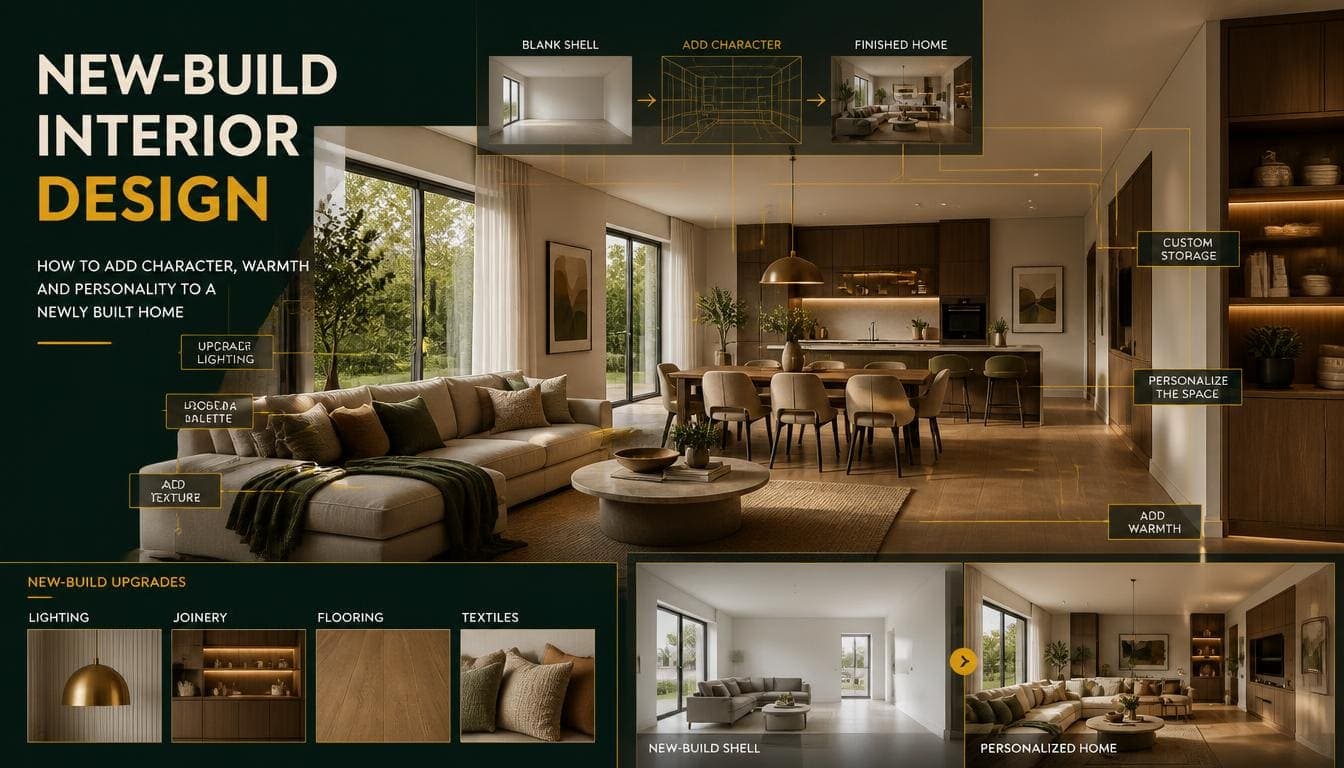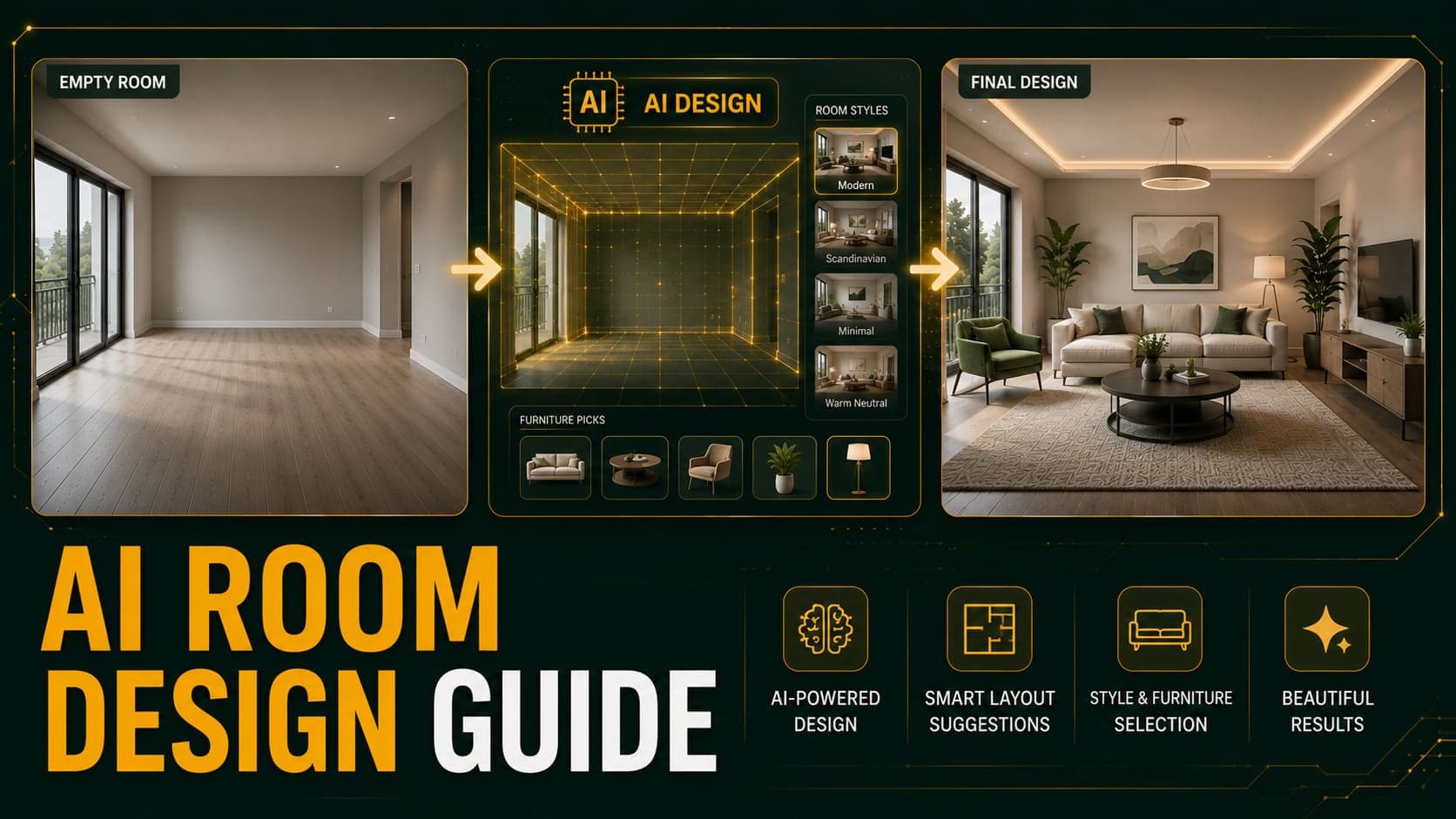
AI room design takes a photograph of a room and generates a furnished, decorated version of it. Upload an empty bedroom, get back a bedroom with a bed, side tables, lighting, and artwork — arranged to match the room's actual geometry.
In 2026 this takes about 30 seconds and costs roughly $0.10. Five years ago the same output required a designer, 3D software, and two hours.
This guide explains how the technology actually works, what it does reliably, where it fails, and how to work around the failures.
How AI Room Design Actually Works
Most explanations skip this, which makes it harder to understand why results sometimes go wrong.
The Underlying Technology
AI room design runs on diffusion models — the same architecture behind image generators like Stable Diffusion and Midjourney, but trained specifically on interior photography and architectural imagery.
A diffusion model works by learning to reverse a noise process. During training, it sees millions of interior photos with progressively more noise added, and learns to predict what the clean image looked like. At generation time, it starts from noise and denoises toward a plausible interior.
What Happens When You Upload a Photo
1. Depth and geometry estimation The model analyzes your photo to infer the room's three-dimensional structure — where walls meet, how far the back wall is, where the floor plane sits.
2. Segmentation It identifies distinct regions: floor, walls, ceiling, windows, doors, and any existing objects.
3. Conditioned generation Using your chosen style as a text prompt and the room's structure as a spatial constraint, the model generates furniture into the empty regions.
4. Lighting harmonization It estimates where light enters the room and renders shadows and highlights on the generated furniture to match.
Why This Explains the Failures
Every common AI staging error traces back to one of these steps:
- Floating furniture → floor plane estimation was wrong
- Wrong scale → depth estimation misread the room's size
- Shadows in odd directions → lighting estimation failed
- Artifacts around objects → segmentation confused a leftover item for structure
Understanding this makes the practical advice obvious: give the model clean geometry, clear light, and an empty room, and it performs well.
Try DecoAI Free
3 free credits. No credit card needed. Stage any room in 30 seconds.
Get 3 Free CreditsWhat AI Room Design Does Well
Standard Empty Rooms
Rectangular rooms with clear floor, visible walls, and even light are what these models were trained on. Living rooms, bedrooms, and dining rooms in ordinary properties produce reliably good results.
Style Transformation
Generating the same room in eight different aesthetic directions is trivial for the model and genuinely useful. This is something no physical process can match.
Speed and Volume
Thirty seconds per image, unlimited parallel generation, no queue. For anyone staging more than a handful of rooms, this changes what's practical.
Lighting Consistency
Modern models are surprisingly good at matching generated furniture to the room's actual light direction. Shadows generally fall correctly.
Cost
At $0.10 per image, the economics allow generating five variations and picking the best — a workflow that's impossible at $30 per image.
What AI Room Design Struggles With
Being specific about this matters more than listing capabilities.
1. Unusual Room Shapes
L-shaped rooms, split levels, rooms with pillars or structural intrusions, and spaces with sloped ceilings all confuse depth estimation.
Symptom: Furniture placed in impossible positions, or generated at the wrong scale for part of the room.
Workaround: Shoot from an angle that shows the most regular part of the room, or accept that some spaces don't stage well digitally.
2. Non-Standard Room Types
Home gyms, nurseries, wine cellars, workshops, craft rooms, laundry rooms. Most tools train on six standard room types and produce poor results outside them.
Symptom: Generic living room furniture appearing in a room that clearly isn't a living room.
Workaround: Stage these rooms as their nearest standard equivalent, or photograph them honestly without staging.
3. Reflective and Transparent Surfaces
Mirrors, glass tables, glossy cabinet doors, and large windows create problems. The model struggles to reason about what should appear in a reflection.
Symptom: Reflections that don't match the room, or furniture that appears twice.
Workaround: Shoot from angles that minimize large reflective surfaces in frame.
4. Occupied Rooms
Most staging tools work on empty rooms. Given a furnished room, results vary from acceptable to nonsensical.
Symptom: New furniture generated on top of existing furniture, or existing pieces partially transformed.
Workaround: Clear the room and reshoot, or use a tool with dedicated furniture removal.
5. Poor Input Photos
Dark rooms, extreme wide-angle distortion, tilted cameras, and cluttered spaces all degrade output substantially.
Symptom: Everything looks slightly wrong without an obvious single cause.
Workaround: This is the most fixable failure. Reshoot properly.
6. Precise Control
You cannot say "put the sofa against the left wall and make it navy blue." AI tools generate from style presets, not instructions.
Workaround: Generate multiple variations until one matches your intent, or use a human designer service for genuinely custom work.
7. Structural Changes
AI staging adds furniture. It doesn't remove walls, change window positions, or alter the room's architecture.
Note: Some tools offer separate renovation features for surfaces — paint, flooring, cabinets. These are different from staging.
Try DecoAI Free
3 free credits. No credit card needed. Stage any room in 30 seconds.
Get 3 Free CreditsAI Room Design vs Traditional 3D Rendering
Both produce furnished room images. They work completely differently.
| Factor | AI Room Design | 3D Rendering |
|---|---|---|
| Input | A photograph | A 3D model built from scratch |
| Time | 30 seconds | 2–20 hours |
| Cost | $0.10–$3 | $200–$2,000 |
| Precision | Style-level only | Item-level control |
| Realism | Photo-based, very high | Depends on render quality |
| Modification | Regenerate | Adjust and re-render |
| Skill required | None | Significant |
When 3D rendering still wins: Pre-construction visualization where no photo exists, precise product placement for furniture retailers, and any project requiring exact specification.
When AI wins: Anything where a photograph of the actual room exists.
Practical Workflow for Good Results
Step 1: Prepare the Room
Empty it completely. Every object — boxes, cleaning supplies, leftover furniture, cables.
Clean the floor. Dust and marks appear in output.
Step 2: Optimize Light
Open every curtain and blind. Turn on every light, including lamps. Shoot between 10am and 2pm.
Even lighting helps the model estimate shadow direction correctly.
Step 3: Shoot Correctly
Stand in a corner, facing diagonally across the room. Camera at chest height, roughly 1.2 meters. Keep it level — use your phone's grid indicator.
Use moderate wide-angle. Avoid fisheye.
Take two or three angles. Some stage better than others, and you won't know which until you try.
Step 4: Choose Room Type Accurately
The room type setting tells the model which furniture category to generate. Selecting "bedroom" for a living room produces a bed in your living room — the model follows the instruction, not the room's actual purpose.
Step 5: Choose Style by Market
Match the style to the property's price point and the local buyer demographic, not to personal preference.
Modern is the safest default. Scandinavian works best in small or bright rooms. Luxury only when the property genuinely sits in that tier.
Step 6: Generate Multiple Variations
Three to five per room. Results vary meaningfully between generations, and picking the strongest from five is standard practice at $0.10 per attempt.
Step 7: Review at Full Size
Artifacts hide in thumbnails. Check:
- Does furniture sit flat on the floor, not floating?
- Is scale plausible relative to doors and windows?
- Do shadows match the real light direction?
- Does anything intersect walls or block doorways?
- Are proportions consistent across the image?
Step 8: Regenerate or Reshoot
If one variation has a problem, regenerate. If every variation has the same problem, the input photo is the issue — reshoot from a different angle or with better light.
Where AI Room Design Is Heading
A few directions worth knowing about, stated with appropriate uncertainty since this moves quickly:
Better geometry handling. Depth estimation continues improving, which should reduce failures on unusual room shapes.
More room types. Training data for non-standard rooms is expanding, though it lags behind the standard six.
Finer control. Some tools already offer partial editing — moving or swapping generated furniture. This is likely to become standard.
Video and walkthrough. Generating consistent furnished views across multiple angles of the same room is an active area. It isn't reliably solved yet.
Treat any specific timeline claims about these with skepticism — including from vendors.
Frequently Asked Questions
How does AI room design work?
Diffusion models trained on interior photography analyze your room's geometry and lighting, then generate furniture matched to that structure and your chosen style. The whole process takes about 30 seconds.
Is AI room design accurate?
For standard rectangular rooms with clear light, yes — furniture scale and placement are generally plausible. Accuracy drops for unusual shapes, reflective surfaces, and non-standard room types.
Can AI room design replace an interior designer?
No. It generates plausible furnished images from presets. It doesn't source products, manage budgets, coordinate trades, or make judgment calls about a client's specific needs.
It's a visualization tool, not a design service.
Can I control exactly what furniture appears?
Not with most AI tools. You choose a style and the model generates from that. For item-level control, human designer services or 3D rendering are the alternatives.
Does AI room design work on furnished rooms?
Inconsistently. Most tools are built for empty rooms. Some offer separate furniture removal features that can be applied first.
What room types does AI handle well?
Living rooms, bedrooms, kitchens, dining rooms, home offices, and bathrooms — roughly in that order of reliability. Non-standard rooms produce poor results.
Why does AI sometimes generate floating furniture?
The model's floor plane estimation was incorrect, usually because of a tilted camera, extreme wide-angle distortion, or a cluttered floor. Reshoot with a level camera and clear floor.
How much does AI room design cost?
$0.10 per image with pay-per-image tools. Subscription platforms range from $12 to $29 per month. Human designer services charge $16–$49 per image.
Can AI room design show renovations?
Some tools offer surface changes — paint, flooring, cabinets, countertops. These are separate features from staging and vary in quality between platforms.
Is AI room design good enough for professional use?
For standard empty rooms in property marketing, yes. Modern output is difficult to distinguish from human-produced virtual staging in listing photos.
Summary
AI room design is a narrow tool that does one thing very well: generating plausible furnished interiors from photographs of standard empty rooms, in seconds, at negligible cost.
It fails predictably — unusual geometry, non-standard rooms, reflective surfaces, occupied spaces, and poor input photos. Knowing these failure modes lets you avoid most of them.
The practical advice reduces to: empty the room, light it well, shoot from a corner at chest height with a level camera, and generate several variations.
Try it on your own room. DecoAI gives 3 free credits with no card required. Photograph one empty room using the steps above and see how the output compares to what you expected.