Forty questions people actually ask about virtual staging, answered directly.
The Basics
What is virtual staging?
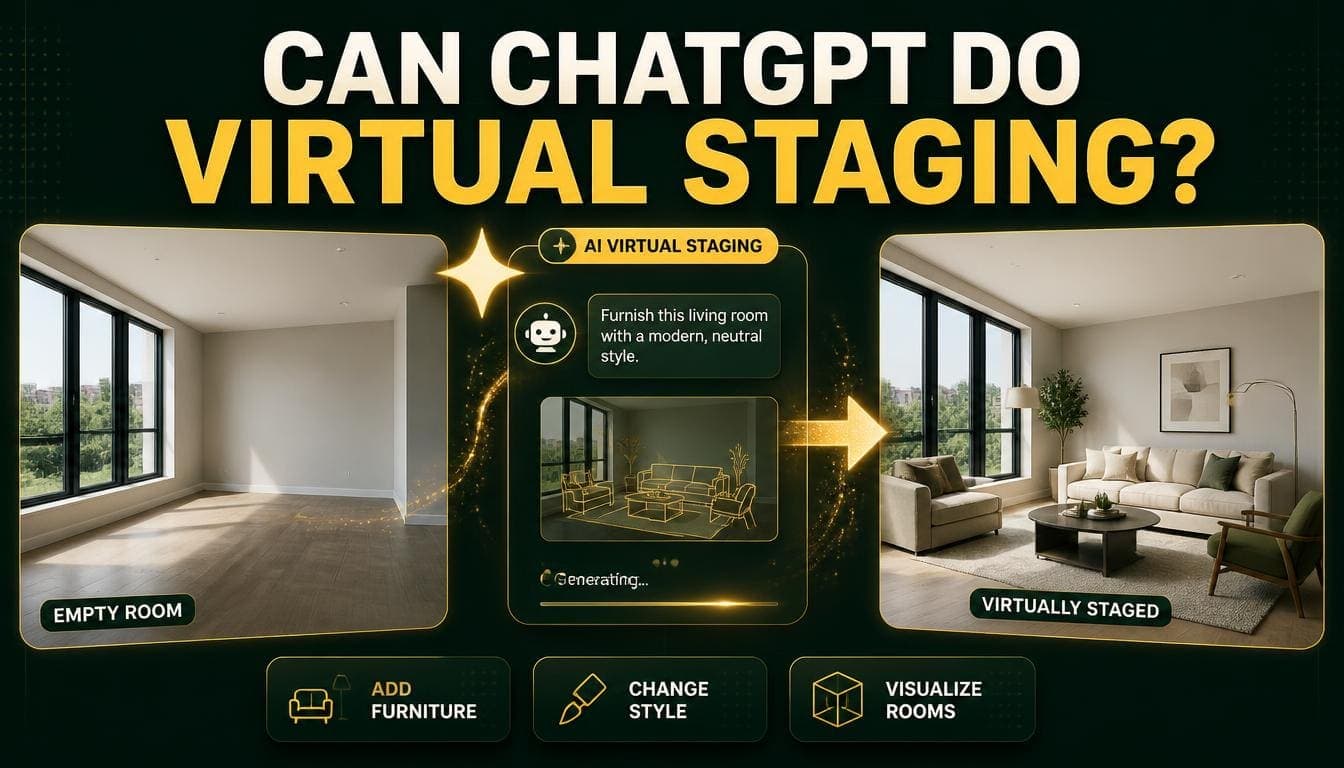
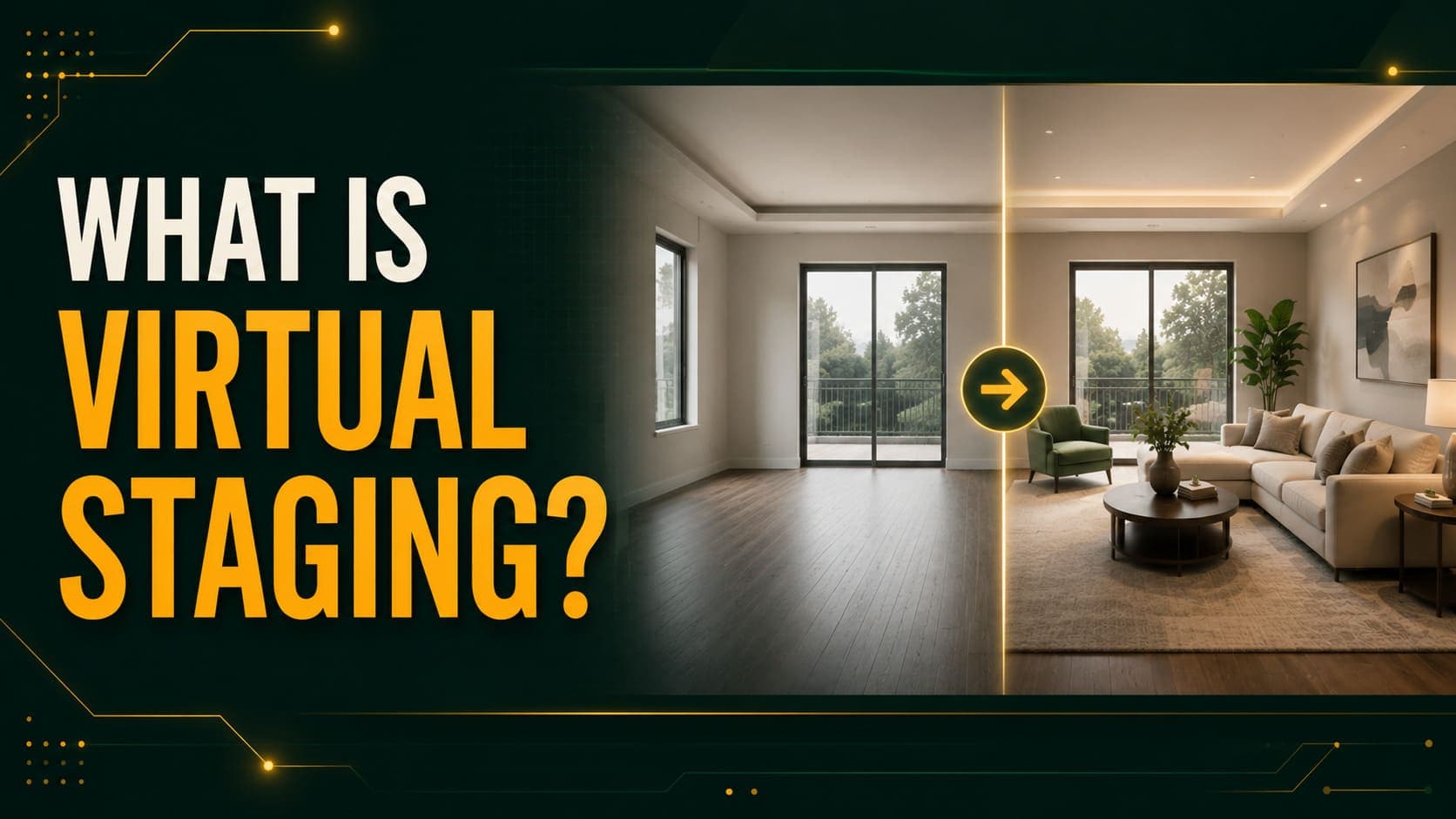
Digitally adding furniture, decor, and lighting to a photograph of an empty room, producing an image that looks professionally staged without any physical furniture.
How does it work?
AI models analyze the room's geometry and lighting from your photograph, then generate furniture matched to that structure and your chosen style. The process takes about 30 seconds with modern tools.
Is virtual staging the same as 3D rendering?
No. Staging starts from a photograph of an existing room. Rendering builds the entire room in 3D software from architectural drawings. Staging requires the room to exist; rendering doesn't.
What's the difference between virtual staging and virtual renovation?
Staging adds furniture to a room. Renovation changes the room's surfaces — paint, flooring, cabinets, worktops. Different tools, though some platforms do both.
Try DecoAI Free
3 free credits. No credit card needed. Stage any room in 30 seconds.
Get 3 Free CreditsCost
How much does virtual staging cost?
$0.10 to $49 per image. AI tools charge $0.10–$3. Human designer services charge $16–$49.
What's the cheapest option?
Pay-per-image AI tools at around $0.10. Some platforms offer limited free tiers.
Are subscriptions cheaper than pay-per-image?
Only at high volume. A $29 monthly subscription beats $0.10 per image above roughly 290 images per month. Most agents stage 10–40.
How much does a full property cost to stage?
About $0.50 for five rooms with AI tools. $80–$245 with human designer services.
Is there free virtual staging?
Some platforms offer limited free credits — typically three to five images. Others offer unlimited generation with watermarked output, which is a demo rather than a free tier.
How does it compare to physical staging?
Physical staging averages $2,300–$3,200 per property in the US, recurring monthly. Virtual staging is a one-time cost of $0.50–$245.
Quality and Realism
Does virtual staging look real?
For standard empty rooms with good input photography, modern AI output is difficult to distinguish from physical staging in listing photographs.
Can buyers tell?
Often not in photographs, particularly with good input photos. Poor input produces obviously artificial results.
Why does my staged image look fake?
Most commonly: the room wasn't fully cleared, the lighting was poor, or the camera was tilted. All three break the model's understanding of room geometry.
Why is the furniture floating?
The model's floor plane estimation was wrong — usually from a tilted camera, extreme wide-angle distortion, or objects left on the floor.
Why is the furniture the wrong size?
Depth estimation misread the room's dimensions. Extreme wide-angle lenses are the most common cause.
How do I get better results?
Empty the room completely, open all curtains, turn on every light, shoot from a corner at chest height with a level camera, use moderate wide-angle, and generate three to five variations.
Practical Use
How long does it take?
30 seconds to two minutes per image with AI tools. 24–48 hours with human designer services.
How many rooms should I stage?
Four to six per property — living room, primary bedroom, and one or two others. Staging every room adds cost without adding impact.
Which rooms should I prioritize?
Living room first, primary bedroom second. Kitchen and bathrooms benefit less — they're already furnished by definition.
Can I stage a furnished room?
Results are unreliable. Most tools work best on genuinely empty rooms. Some offer furniture removal as a separate step, which works when furniture covers under roughly 40% of the visible floor.
How many variations should I generate?
Three to five per room. Results vary meaningfully between attempts, and at $0.10 each the cost is negligible.
Do I need design skills?
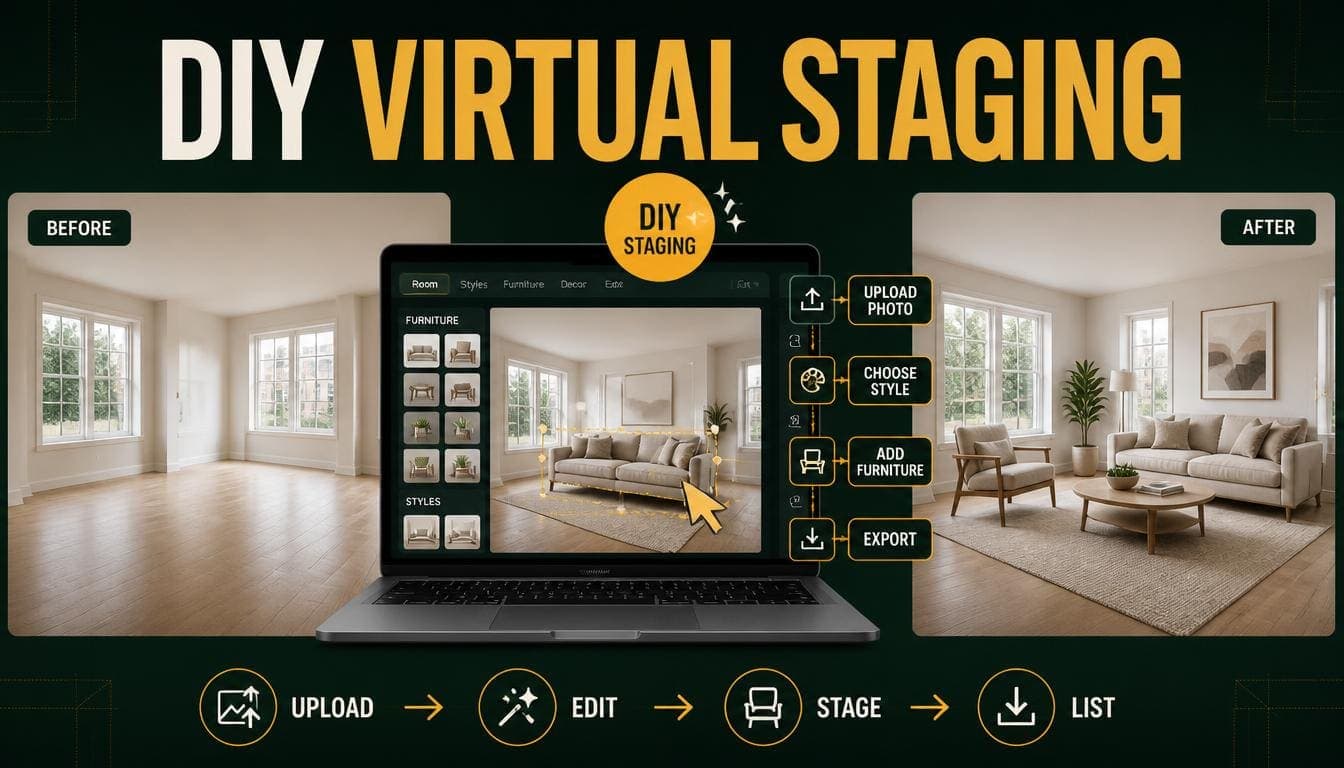
None. Upload a photo, select a room type and style, download the result.
What photo quality do I need?
Any modern smartphone. JPG, PNG, or WEBP up to 10MB. Don't compress before uploading — higher resolution input produces sharper output.
Try DecoAI Free
3 free credits. No credit card needed. Stage any room in 30 seconds.
Get 3 Free CreditsDisclosure and Presentation
Should I label staged photos?
Yes. Standard practice across the industry is to caption them "virtually staged." Most agents do this as a matter of course.
Should I include unstaged photos?
Yes, at the end of the gallery. It shows the actual space and prevents any mismatch between listing expectations and the viewing.
Where should staged photos go in the gallery?
Lead with your strongest staged image, usually the living room. Place unstaged versions at the end, clearly labelled.
Can I use staged photos in print marketing?
Yes, at full resolution. Check your tool delivers print-ready output rather than web-sized images.
Can I use staged photos on social media?
Yes, and before-and-after pairs are among the highest-performing property social content. Label them as staged.
Styles
What styles are available?
Most tools offer Modern, Scandinavian, Contemporary, Traditional, Minimalist, Industrial, Bohemian, and Luxury.
Which style should I choose?
Modern for urban properties, Contemporary for suburban, Scandinavian for small or dim rooms. Match the style to the property's price tier and local market.
What style makes rooms look bigger?
Scandinavian or Minimalist. Both use light palettes and slim furniture, maximizing visible floor.
Should I use the same style throughout a property?
Yes. Mixing styles across rooms reads as disjointed.
Can I stage the same room in multiple styles?
Yes, and it's one of the main advantages. Each additional style costs $0.10 with pay-per-image tools.
What style should I avoid?
None universally — but avoid mismatches. Luxury on a budget property, Bohemian in a conservative market, and Industrial in a standard suburban house are the common errors.
Limits
What can't AI staging do?
Change layouts, remove walls, add windows, alter room dimensions, or place specific named furniture products. It adds furniture to existing geometry.
Does it work on unusual room shapes?
Poorly. L-shaped rooms, split levels, sloped ceilings, and rooms with structural intrusions confuse depth estimation.
Does it work on non-standard rooms?
Not well. Home gyms, nurseries, wine cellars, and workshops fall outside most tools' training data.
Does it work on commercial property?
Office space stages reasonably. Retail is mixed. Warehouses and industrial units don't stage usefully.
How large a room can it handle?
Standard residential rooms work well. Above roughly 200–300 m², furniture scale becomes implausible.
Can I control where furniture is placed?
Not with most AI tools — they work from style presets. Some platforms offer manual editing after generation. Human designer services offer full control.
Can I get multiple angles of the same staged design?
Not with consistent furniture. AI staging generates each image independently, so the same room staged twice produces different arrangements.
Choosing a Tool
What should I look for?
Pricing model matched to your volume, output resolution, style range, and whether the free tier produces clean or watermarked images.
Should I use AI or a human designer service?
AI for standard empty rooms — faster and roughly 160x cheaper. Human designers for custom requests, unusual rooms, or photo cleanup before staging.
How do I test tools before committing?
Take one representative photo and run it through three or four free tiers. Compare at full size. The whole exercise takes about 30 minutes.
Do credits expire?
Varies by platform. Some pay-per-image tools have non-expiring credits; many subscriptions reset unused credits monthly.
Who Uses It
Is virtual staging worth it for agents?
For vacant properties marketed online, yes. About 50 cents and 20 minutes per property against a documented reduction in time on market.
Does it work for rentals?
Well. A void week costs $185–$577 depending on rent. Staging costs $0.50.
Can Airbnb hosts use it?
Yes, particularly for testing furniture before buying and for listing before a property is furnished. Label images clearly.
Should private sellers use it?
Yes. It's one of the few marketing advantages available without hiring anyone, and it costs about $1.50 for a full property.
Do photographers offer it as a service?
Many do. Market rate is $25–$50 per image against a $0.10 delivery cost.
Summary
Cost: $0.10–$3 with AI tools, $16–$49 with human designers, versus $2,300–$3,200 for physical staging.
Quality: Good on standard empty rooms with proper photography. Poor on unusual shapes, occupied rooms, and non-standard room types.
Best practice: Empty the room, light it well, shoot from a corner at chest height, generate several variations, label the output, include unstaged photos.
The main limit: it adds furniture to existing geometry. It doesn't change layouts, and it doesn't place specific products on request.
Try it on one room. DecoAI gives 3 free credits with no card required — enough to answer most of these questions with your own property rather than in the abstract.