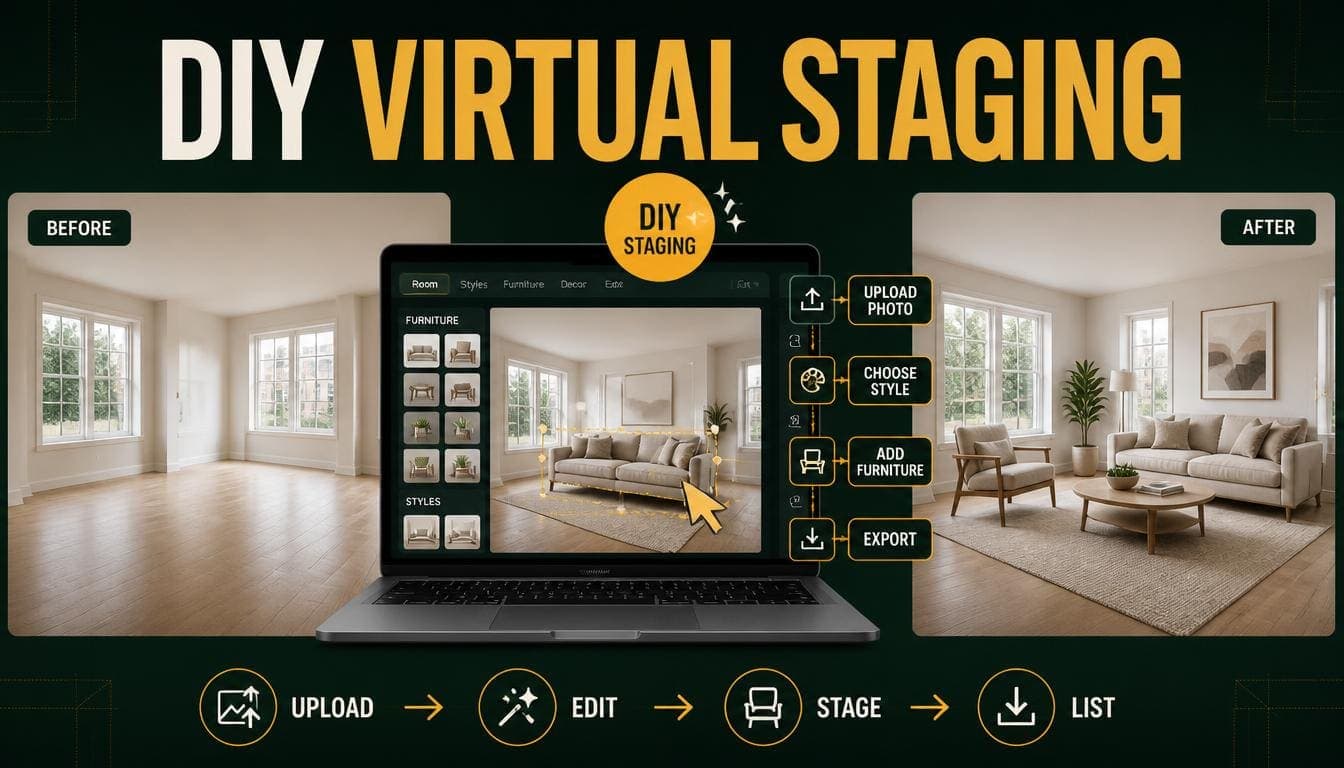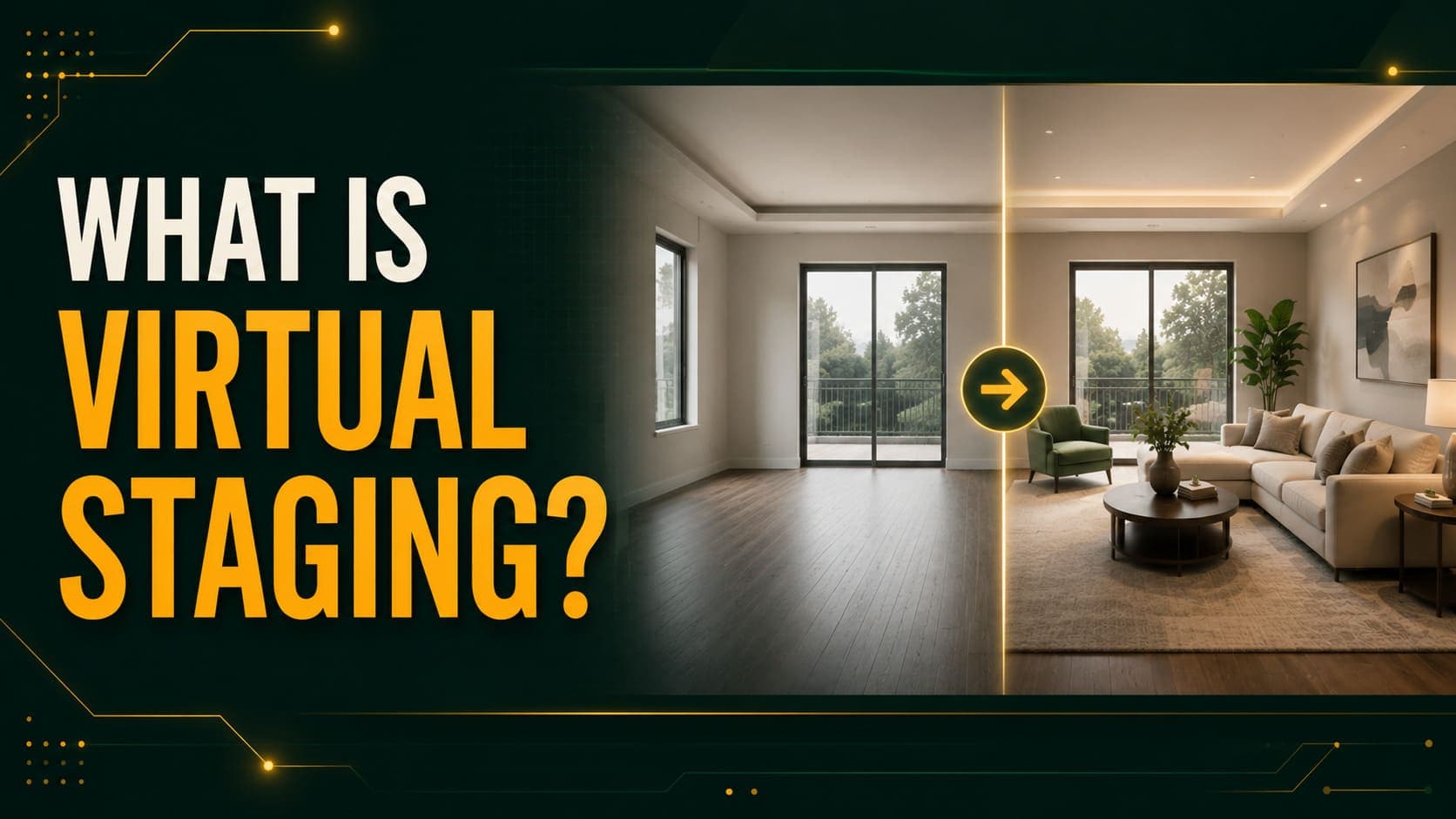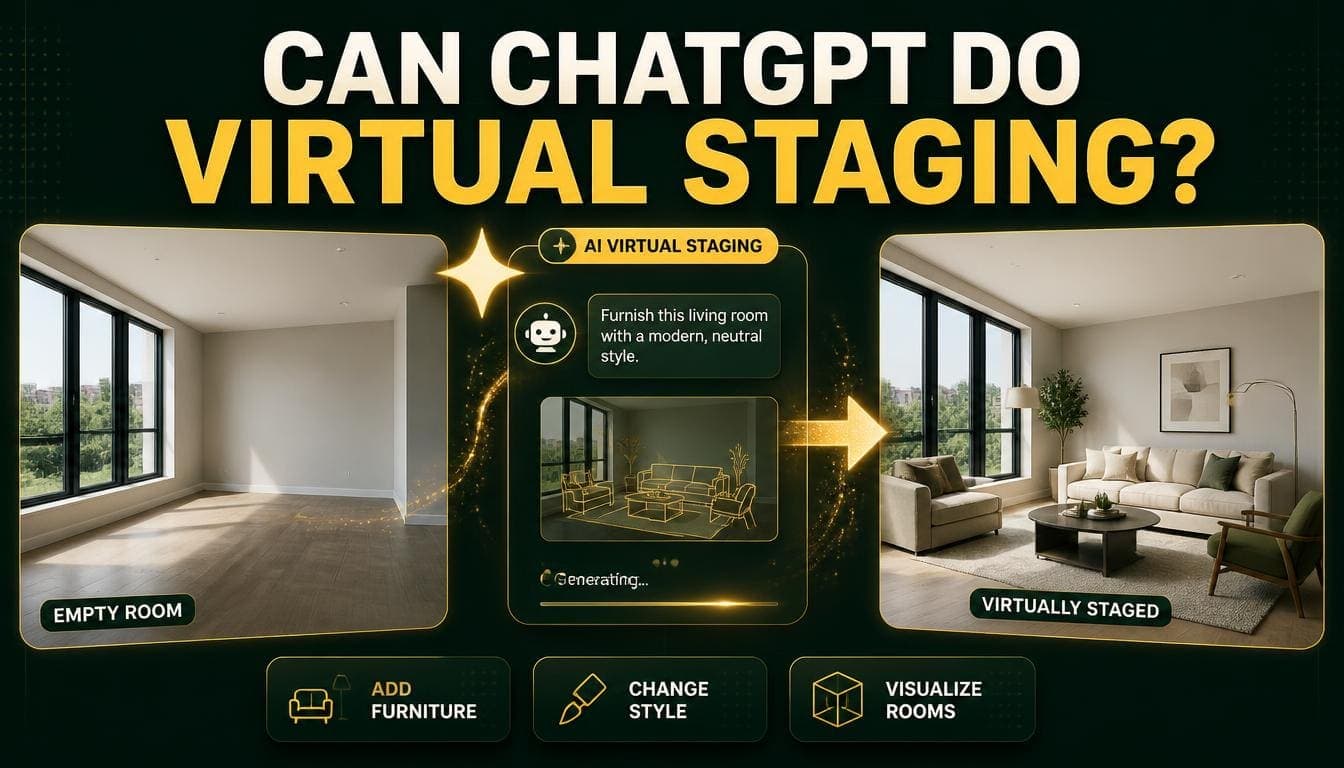
Short answer: general-purpose AI image tools can produce a furnished version of your room, but they typically change the room while doing it — walls move, windows shift, proportions drift. For decorative inspiration that's fine. For property marketing it isn't.
The reason is architectural rather than a matter of prompting skill, and understanding it explains where these tools help and where dedicated staging tools are necessary.
The Technical Difference
What General Image Tools Do
Tools like ChatGPT's image generation, Midjourney, and similar systems generate images from a text prompt, optionally conditioned on a reference image.
The key characteristic: they generate a new image that resembles the input. They aren't constrained to preserve the input's geometry.
Give one a photo of your living room and ask for it furnished, and you'll typically get a plausible furnished living room that shares the general character of yours — but with the window slightly different, the ceiling a different height, or the room proportions subtly changed.
What Dedicated Staging Tools Do
Purpose-built staging tools use the same underlying diffusion technology but with additional constraints.
What they add:
- Depth estimation — building a 3D understanding of the actual room
- Segmentation — identifying which pixels are floor, wall, window, and door
- Masked generation — generating furniture only into the empty regions, leaving the room's structure untouched
- Lighting harmonization — matching generated shadows to the room's real light
The result: the room stays the room. Only furniture is added.
Try DecoAI Free
3 free credits. No credit card needed. Stage any room in 30 seconds.
Get 3 Free CreditsWhat Actually Happens in Practice
Testing a General Tool
Upload an empty living room photo to a general image tool with a prompt asking for it furnished in a modern style. Common outcomes:
Window position shifts. The generated window is close to yours but not in the same place.
Room proportions change. The ceiling gets higher, the room gets wider, or the perspective subtly differs.
Architectural details vanish or appear. A radiator disappears. A fireplace appears. Skirting boards change profile.
Floor material changes. Your oak floor becomes a different oak floor, or concrete.
The result looks good but isn't your room. Which is the entire problem for property use.
Why Prompting Doesn't Fix It
You can ask for the room to be preserved. It helps somewhat and doesn't solve it, because the model isn't structurally constrained to preserve anything — it's generating a new image that satisfies a description.
Adding "keep the exact room layout, do not change the window position" reduces drift without eliminating it.
Where the Drift Matters
Property listings: a buyer arriving to find the room isn't the room in the photo is a serious problem, regardless of whether the difference was intentional.
Rental listings: same.
Any commercial use: the image needs to represent the actual property.
Where the Drift Doesn't Matter
Personal inspiration. Working out what style you like.
Concept exploration. Testing whether a direction appeals before committing.
Mood boards. Where the image represents an idea rather than a property.
Social content clearly presented as a concept rather than a property.
Direct Comparison
| Factor | General AI tools | Dedicated staging tools |
|---|---|---|
| Preserves room geometry | No | Yes |
| Preserves windows and doors | Unreliable | Yes |
| Preserves floor and finishes | No | Yes |
| Image quality | Very high | High |
| Style range | Unlimited | 8+ presets |
| Prompt flexibility | Total | Limited to presets |
| Speed | 10–60 seconds | 30 seconds |
| Cost | Subscription or free tier | $0.10–$3 per image |
| Suitable for property listings | No | Yes |
| Suitable for inspiration | Yes | Partially |
What General AI Tools Are Genuinely Good For
Being fair to them — they do several things dedicated staging tools can't.
Unlimited Style Range
Staging tools offer 8–12 presets. A general tool can produce any style you can describe, including combinations and references that no preset covers.
Useful for: exploring aesthetic directions before deciding what to actually pursue.
Concept Visualization
Showing what a space could look like after substantial change — different layout, removed wall, extension. Staging tools can't do this because they preserve the geometry.
The caveat: this is imagination rather than visualization. It shows a plausible outcome, not an accurate one.
Detailed Prompt Control
"A reading nook with a green velvet armchair, a brass floor lamp, and floor-to-ceiling bookshelves in walnut."
Staging tools work from presets and can't take specific instructions like this.
Non-Standard Rooms
Home gyms, nurseries, workshops, and craft rooms fall outside staging tools' training data. A general tool will produce something plausible.
Mood Boards and Presentation
Generating imagery for a concept presentation, where the image represents an idea rather than a specific room.
Try DecoAI Free
3 free credits. No credit card needed. Stage any room in 30 seconds.
Get 3 Free CreditsA Practical Workflow Using Both
The tools solve different problems, and using both is often the sensible answer.
For a Property You're Marketing
1. Use a general AI tool for exploration. Try several styles, see what suits the property's character. Fast and unconstrained.
2. Decide the direction based on what you saw.
3. Use a dedicated staging tool for the actual listing images. Room preserved, furniture added, geometry intact.
Cost: the exploration is free or subscription-based; the staging is around $0.50 for a five-room property.
For a Property You're Renovating
1. General AI for concept. Including structural changes — removed walls, reconfigured layouts.
2. Actual drawings from a designer or architect for anything structural.
3. Dedicated staging tools once work is complete and you have real photographs.
For Personal Inspiration
General tools are entirely sufficient. There's no requirement for accuracy when the output is just for deciding what you like.
Common Questions About Using General Tools
Can I just crop and edit the output?
You can, but the drift is usually structural rather than something a crop fixes. If the window is in the wrong place, cropping doesn't help.
What if I use a very detailed prompt?
It reduces drift and doesn't eliminate it. The model isn't constrained to preserve — it's generating something that matches a description.
Are newer models better at this?
Progressively, yes. Image-to-image consistency has improved substantially and continues to. But the fundamental architecture difference remains: general tools generate, staging tools mask and preserve.
Whether that gap closes entirely is uncertain, and claims that it already has should be tested against your own photos rather than taken on trust.
Can I tell the difference in the output?
Usually, if you compare the generated image to the original photograph side by side. The drift is often subtle enough to miss in isolation and obvious in comparison.
The practical test: put the original and the generated version next to each other and look at the window, the door, the ceiling line, and the floor. That's where drift shows.
Is it cheaper?
Depends on usage. A general AI subscription is $20–$30 monthly. Dedicated staging at $0.10 per image costs less for typical volumes — a five-room property is around $0.50.
The Disclosure Question
Both approaches produce images that differ from the actual room, but to different degrees.
Dedicated staging: the room is real, the furniture isn't. Standard practice is to label images as "virtually staged."
General AI output: the room itself may not be accurate. Using this for a property listing without making that clear is a meaningfully different situation from staged furniture in a real room.
The practical position: if the output doesn't accurately show the property, it shouldn't be presented as showing the property.
Frequently Asked Questions
Can ChatGPT do virtual staging?
It can generate a furnished version of a room, but it typically changes the room's geometry while doing so — windows shift, proportions drift, details change. That's acceptable for inspiration and unsuitable for property listings.
Why do general AI tools change the room?
They generate a new image resembling the input rather than adding furniture to the existing one. They aren't structurally constrained to preserve geometry.
Can better prompting fix it?
It reduces drift and doesn't eliminate it. The limitation is architectural rather than a matter of prompt quality.
What do dedicated staging tools do differently?
They estimate depth, segment the image into floor, wall, window and door regions, then generate furniture only into empty areas — leaving the room's structure untouched.
Are general AI tools useful for interior design at all?
Yes, for exploring styles, visualizing structural changes, generating concept imagery, and handling non-standard rooms that staging tools don't cover.
Which is cheaper?
Dedicated staging for typical volumes — around $0.50 for a five-room property versus $20–$30 monthly for a general AI subscription.
Can I use general AI output in a property listing?
Not advisedly. If the image doesn't accurately show the property, presenting it as showing the property is a problem regardless of labelling.
Will general AI tools catch up?
Image-to-image consistency has improved substantially. Whether the architectural difference closes entirely is uncertain — test claims against your own photos rather than accepting them.
How do I check for drift?
Put the original photograph and the generated version side by side and compare the window position, door position, ceiling line, and floor material. That's where it shows.
Summary
Can general AI tools stage a room? They can furnish it, but they typically change the room while doing so.
Why: they generate a new image resembling the input rather than adding furniture to the existing one. Dedicated tools mask and preserve geometry; general tools don't.
Where general tools win: unlimited style range, detailed prompt control, structural concept visualization, and non-standard rooms.
Where dedicated tools win: anything where the image needs to accurately represent the actual property.
The practical workflow: general AI for exploration, dedicated staging for the listing images.
The test: compare original and output side by side, looking at windows, doors, ceiling line, and floor. Drift shows there.
Try a tool built for it. DecoAI gives 3 free credits with no card required — enough to compare a dedicated staging output against whatever a general tool produced from the same photo.