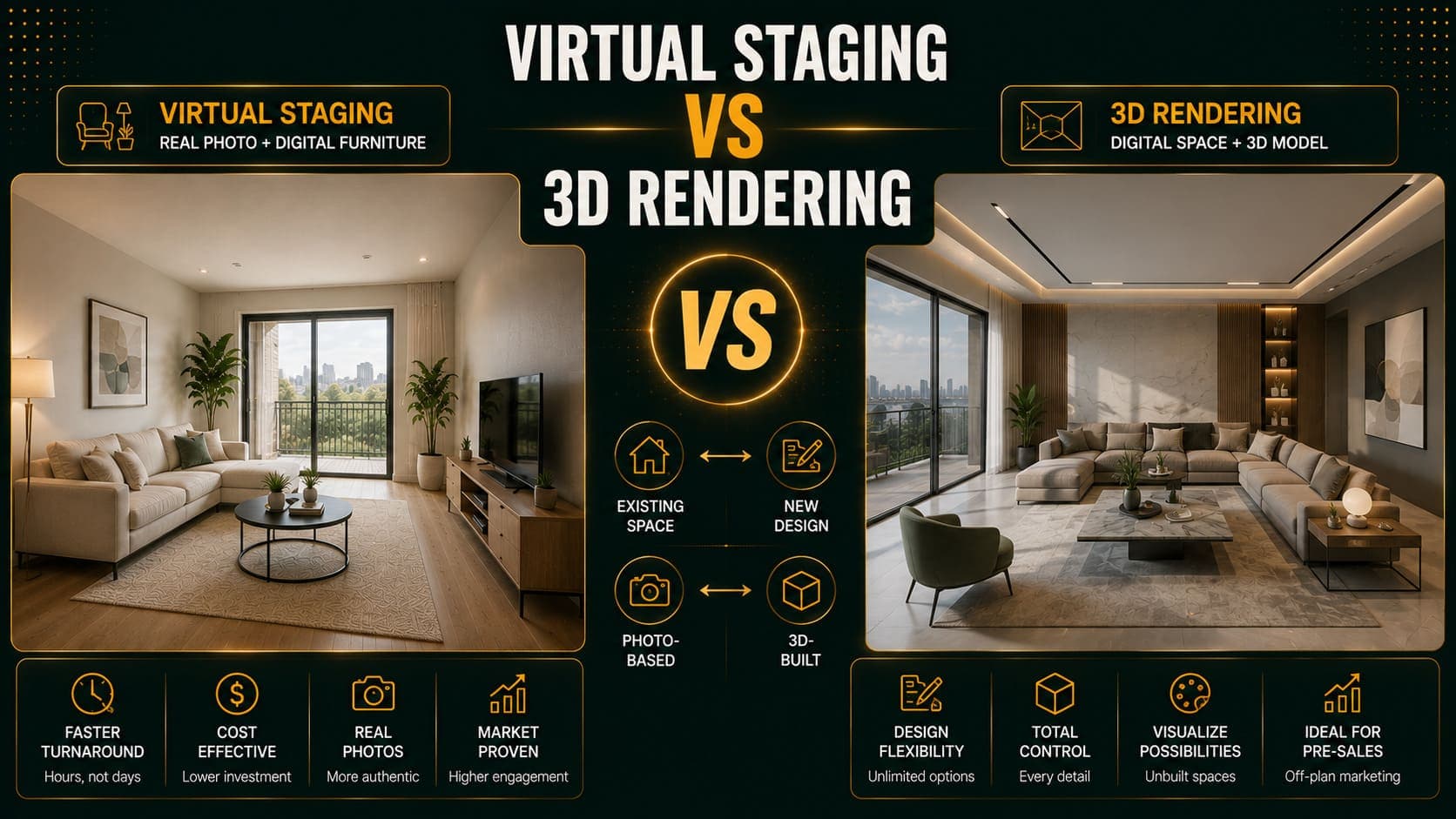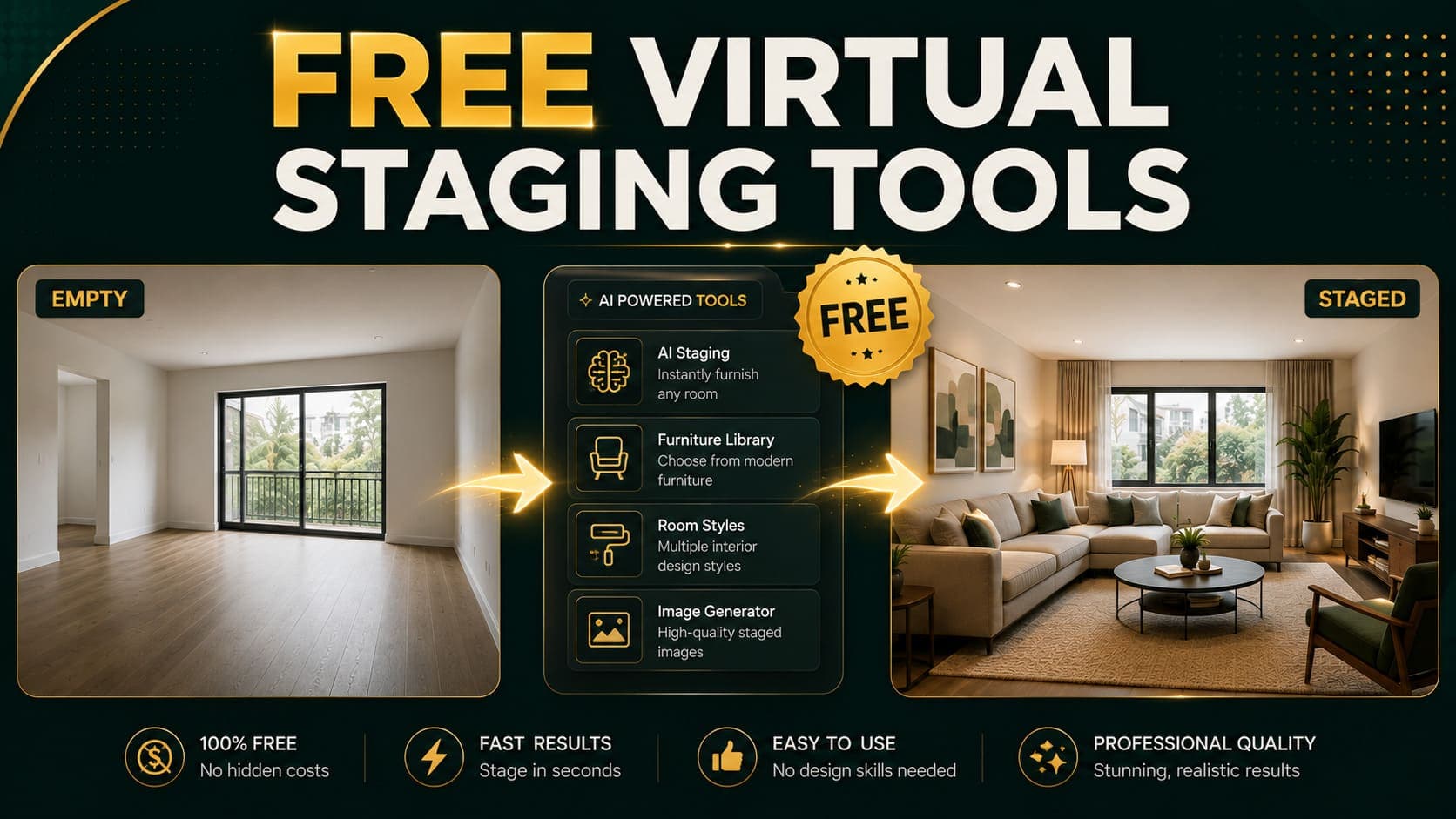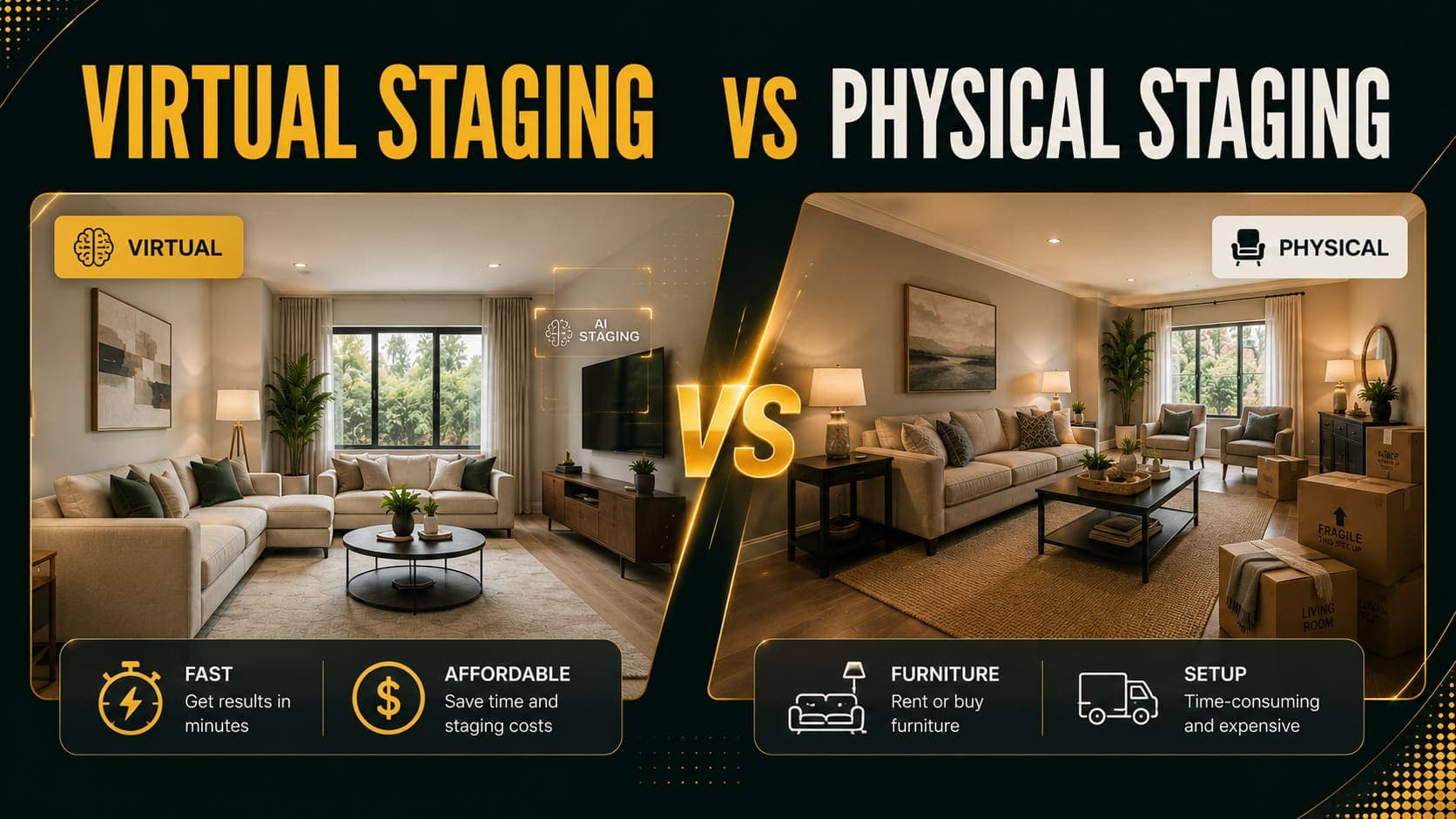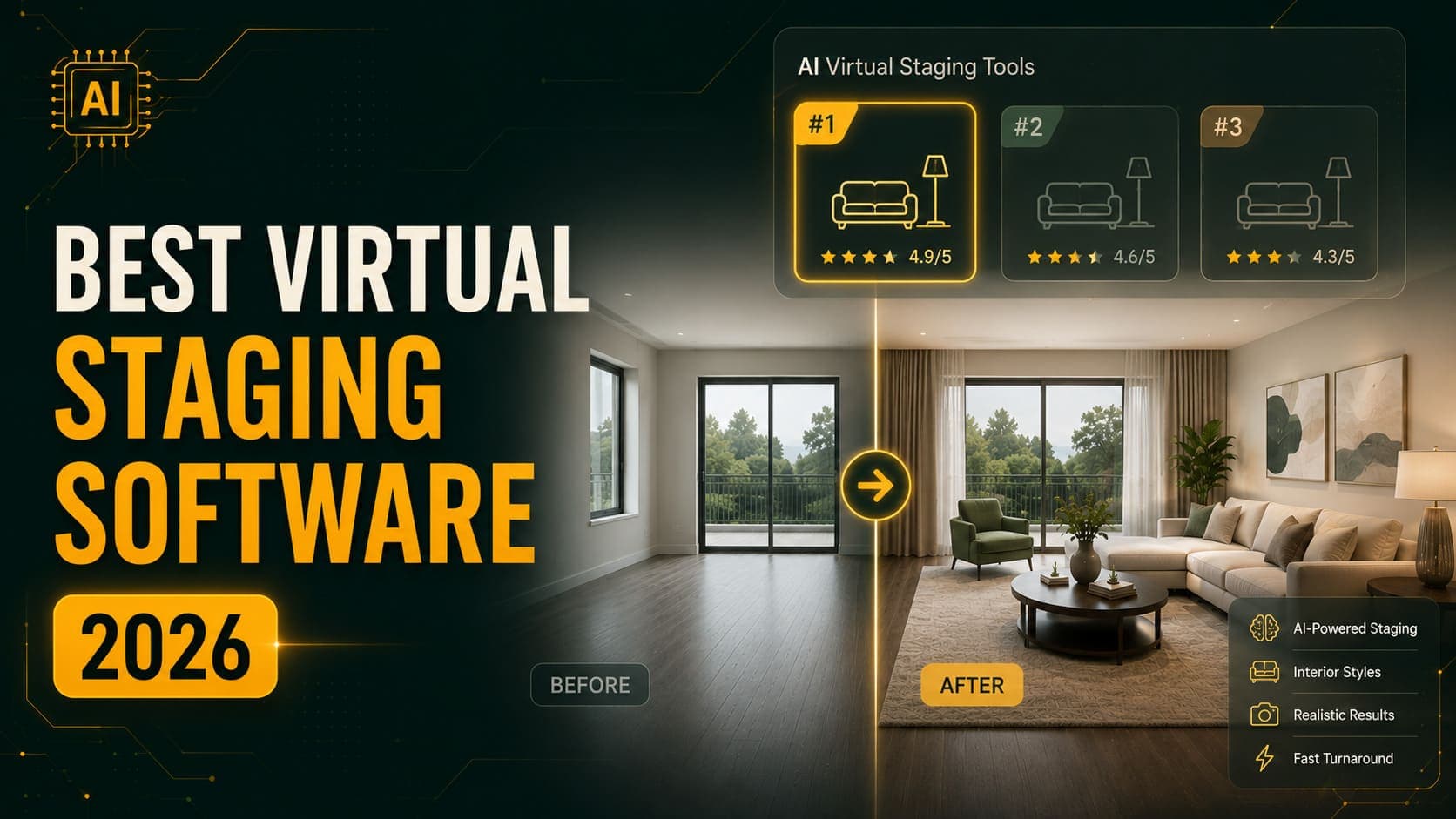
Virtual staging software in 2026 splits into three distinct categories: AI tools that generate results in seconds, human designer services that take a day or two, and hybrid platforms that blend both. Prices run from $0.10 per image to $49 per image — a 490x spread for what is, on the surface, the same deliverable.
This comparison covers 12 tools across all three categories, with real pricing, turnaround times, and honest notes on where each one struggles. If you just want the short answer, jump to the quick verdict.
How We Compared These Tools
Every tool here was evaluated on five criteria:
- Price per image — normalized to a per-image cost, even for subscription tools
- Turnaround time — from upload to downloadable result
- Style options — how many design directions are available
- Revision policy — whether re-generating costs extra
- Best-fit use case — who this tool actually serves well
We've deliberately included tools that beat DecoAI on specific dimensions. A comparison that concludes "our product wins everything" isn't useful to anyone.
Try DecoAI Free
3 free credits. No credit card needed. Stage any room in 30 seconds.
Get 3 Free CreditsThe Full Comparison Table
| Tool | Price | Turnaround | Type | Free trial |
|---|---|---|---|---|
| DecoAI | $0.10/image | 30 seconds | AI | 3 credits |
| Virtual Staging AI | From $16/month | 10–30 seconds | AI | Watermarked |
| ApplyDesign | From $20/month | ~1 minute | AI + DIY editor | 1 image |
| ReimagineHome | From $29/month | 1–2 minutes | AI | 5 designs |
| Collov AI | Per image | 1–2 minutes | AI | Limited |
| Homestyler | From $15/month | 2–5 minutes | AI + 3D | Free tier |
| Interior AI | From $29/month | 1–2 minutes | AI | Watermarked |
| RoomsGPT | Free / paid tiers | 30–60 seconds | AI | Yes |
| Styldod | $16/image | 24–48 hours | Human + AI | No |
| BoxBrownie | $24/image | 24 hours | Human designer | 1 free edit |
| Stuccco | $29/image | 24–48 hours | Human designer | No |
| Spotless Agency | $49/image | 24–48 hours | Human designer | No |
AI Virtual Staging Tools
These generate results algorithmically in seconds. No human involved, no queue, no business hours.
1. DecoAI — Best for Pay-As-You-Go
Price: $0.10 per image Turnaround: 30 seconds Styles: 8 Free trial: 3 credits, no card required
DecoAI is built around a single idea: staging should cost less than a rounding error. There's no subscription — you buy credits ($5 for 50, $12 for 150) and they never expire.
Where it works well
- Agents who stage occasionally and don't want a monthly bill
- Testing multiple styles on one room without watching a counter
- Anyone who wants to try before paying anything
Where it falls short
- Six standard room types only — no home gyms or nurseries
- No built-in furniture removal for occupied rooms
- No DIY editor to nudge furniture placement manually
Verdict: If you stage fewer than 100 images a month, the pay-per-image model is mathematically better than any subscription on this list.
2. Virtual Staging AI — Best for Speed
Price: From $16/month (roughly $0.28–$3 per image depending on tier) Turnaround: 10–30 seconds Styles: 8
Developed at Harvard's Innovation Labs and acquired by Zillow in late 2024, Virtual Staging AI is one of the fastest tools available. It generates three variations per request by default.
Where it works well
- High-volume agents on Zillow's ecosystem
- Users who want multiple variations automatically
- Speed-critical workflows
Where it falls short
- Subscription model means unused capacity is wasted money
- Free tier outputs are watermarked
- Room type recognition can be inconsistent on unusual layouts
3. ApplyDesign — Best for Manual Control
Price: From $20/month Turnaround: ~1 minute Styles: Multiple, plus DIY editor
ApplyDesign came out of Y Combinator's 2022 batch and offers something most AI tools don't: a drag-and-drop editor to move, resize, or swap furniture after generation.
Where it works well
- Interior designers who want creative control
- Staging companies producing consistent output across a project
- Anyone frustrated by "the AI put the sofa in the wrong place"
Where it falls short
- The manual editing takes time — you lose the speed advantage
- Subscription pricing
- Learning curve compared to one-click tools
4. ReimagineHome — Best Feature Range
Price: From $29/month Turnaround: 1–2 minutes Free tier: 5 designs, no card
ReimagineHome (built by Styldod) offers the widest toolset on this list: virtual staging, furniture removal, landscaping, sky replacement, day-to-dusk conversion, object removal, wall repainting, and more.
Where it works well
- Photographers who need more than staging
- Exterior work — landscaping and sky replacement are genuinely useful
- Users who want one subscription covering many tasks
Where it falls short
- Highest subscription price in the AI category
- Slower than pure staging tools
- The breadth means depth is uneven across features
5. Collov AI — Fast and Affordable
Price: Per image Turnaround: 1–2 minutes Extras: Wall, flooring, and cabinet changes
Collov positions itself between staging and renovation visualization. You can change surfaces, not just add furniture.
Where it works well
- Renovation previews alongside staging
- Kitchen and bathroom transformations
- Agents selling properties that need work
Where it falls short
- Less consistent on plain staging than dedicated tools
- Interface has a steeper learning curve
6. Homestyler — Best Free Tier
Price: From $15/month, generous free tier Turnaround: 2–5 minutes Extras: 3D floor planning
Homestyler blends AI staging with traditional 3D room planning. You can build a floor plan and furnish it, or work from a photo.
Where it works well
- Design students and hobbyists
- Anyone who wants floor plan tools alongside staging
- Free tier is genuinely usable
Where it falls short
- Slower than pure staging tools
- Output quality trails dedicated staging AI
- 3D approach requires more input from you
7. Interior AI — Best for Redesign
Price: From $29/month Turnaround: 1–2 minutes
Interior AI is built more for redesigning furnished rooms than staging empty ones. It shines when you want to reimagine a space that already has furniture.
Where it works well
- Homeowners planning renovations
- Redesigning occupied rooms
- Style exploration
Where it falls short
- Empty-room staging isn't its core strength
- Watermarks on free outputs
- Results can drift from the original room's structure
8. RoomsGPT — Best Free Option
Price: Free tier available, paid tiers for volume Turnaround: 30–60 seconds
RoomsGPT is open-source-adjacent and offers real free usage. Quality is a step below commercial tools but perfectly usable for casual needs.
Where it works well
- Trying AI staging before committing to anything
- Personal projects
- Budget-zero situations
Where it falls short
- Output quality below commercial standard
- Limited style options
- No support if something goes wrong
Try DecoAI Free
3 free credits. No credit card needed. Stage any room in 30 seconds.
Get 3 Free CreditsHuman Designer Services
These employ actual designers who manually composite furniture into your photos. Slower and pricier, but with capabilities AI still can't match.
9. Styldod — Best Human/AI Hybrid
Price: $16 per image Turnaround: 24–48 hours
Styldod is the parent company behind ReimagineHome and offers both AI and human-designed staging. The human tier is the cheapest on this list.
Where it works well
- Custom furniture requests
- Consistency across a full property set
- Complex or unusual rooms
Where it falls short
- Day-long turnaround
- 160x more expensive than pay-per-image AI
- Revisions may cost extra depending on plan
10. BoxBrownie — Best Established Service
Price: $24 per image Turnaround: 24 hours
BoxBrownie is one of the longest-running virtual staging services and handles far more than staging — item removal, day-to-dusk, floor plan redraws, and image enhancement.
Where it works well
- Agencies wanting one vendor for all image work
- Guaranteed professional consistency
- Complex edits AI can't handle
Where it falls short
- Expensive at scale
- 24-hour turnaround blocks same-day publishing
- Overkill for straightforward empty-room staging
11. Stuccco — Best for Design Direction
Price: $29 per image Turnaround: 24–48 hours
Stuccco assigns a designer to your project and offers a browser-based platform for reviewing and requesting changes.
Where it works well
- Premium properties where presentation is everything
- Projects needing a coherent design narrative
- Agents who want a human to talk to
Where it falls short
- Among the most expensive options
- Slow for time-sensitive work
12. Spotless Agency — Premium Full-Service
Price: $49 per image Turnaround: 24–48 hours
The most expensive option here, aimed at luxury property marketing where the image budget isn't a constraint.
Where it works well
- Luxury and ultra-luxury properties
- Full-service marketing packages
- Clients who want white-glove handling
Where it falls short
- Price is prohibitive for standard properties
- Slow turnaround
Price Comparison: Staging a 5-Room Property
Here's what staging one property with five rooms actually costs across every tool:
| Tool | 5 images | 50 images (10 properties) |
|---|---|---|
| DecoAI | $0.50 | $5 |
| RoomsGPT | Free–$5 | $10–$30 |
| Homestyler | $15/month | $15/month |
| Virtual Staging AI | $16/month | $16–$39/month |
| ApplyDesign | $20/month | $20–$49/month |
| ReimagineHome | $29/month | $29–$79/month |
| Styldod | $80 | $800 |
| BoxBrownie | $120 | $1,200 |
| Stuccco | $145 | $1,450 |
| Spotless Agency | $245 | $2,450 |
The gap between AI and human services isn't marginal — it's two orders of magnitude.
The Quick Verdict
Stage occasionally, want zero commitment → DecoAI. $0.10 per image, credits never expire, 3 free to start.
Stage high volume every month → Virtual Staging AI. Fastest turnaround and per-image cost drops with volume.
Want to manually adjust furniture placement → ApplyDesign. The DIY editor is the differentiator.
Need more than staging (exteriors, sky, landscaping) → ReimagineHome. Widest feature set available.
Want a completely free option → RoomsGPT or Homestyler's free tier.
Need custom work or unusual rooms → Styldod at $16/image is the cheapest human option.
Marketing luxury properties → Stuccco or Spotless Agency.
What to Watch Out For
A few patterns worth knowing before you commit to any tool:
Subscription Math
A $29/month subscription only beats $0.10 per image if you stage more than 290 images per month. Most agents stage 10–40. Run your actual numbers before subscribing.
Watermarks on Free Tiers
Several tools advertise "free" but watermark the output. That's a demo, not a free tier. DecoAI's 3 free credits produce clean, downloadable images.
Credit Expiry
Some subscription tools reset unused credits monthly. If you stage in bursts around new properties rather than evenly, expiring credits waste money.
Room Type Coverage
Almost every AI tool handles living rooms, bedrooms, and kitchens well. Bathrooms, home offices, and unusual spaces vary a lot. Test with your actual room types before committing.
Output Resolution
Check the download resolution on paid plans. Some tools deliver at lower resolution than your input, which shows on large displays.
How to Test Tools Before Committing
The efficient approach:
- Pick one representative photo — an empty living room with decent light
- Run it through 3–4 tools using free trials
- Compare at full size, not thumbnails — artifacts hide in small previews
- Check the same room in 2 styles — consistency matters more than one good result
- Note the actual time, not the advertised time
The whole exercise takes about 30 minutes and saves you from a subscription you'll regret.
Frequently Asked Questions
What is the cheapest virtual staging software?
DecoAI at $0.10 per image is the cheapest paid option. RoomsGPT and Homestyler both offer free tiers, though output quality is lower.
Which virtual staging software is the fastest?
Virtual Staging AI (10–30 seconds) and DecoAI (30 seconds) are the fastest. Human designer services take 24–48 hours.
Is free virtual staging software good enough?
For personal projects and casual use, yes. For property marketing where image quality affects perceived value, paid tools produce noticeably better output. At $0.10 per image, the cost difference is negligible anyway.
Do I need a subscription for virtual staging?
No. Pay-per-image tools like DecoAI charge only for what you use. Subscriptions make sense above roughly 200–300 images per month.
Can virtual staging software remove existing furniture?
Some tools can. ReimagineHome and Collov handle furniture removal reasonably well. Most staging-focused tools work best on genuinely empty rooms.
Which tool has the most design styles?
ReimagineHome and ApplyDesign offer the widest style libraries. DecoAI offers 8 curated styles that cover the majority of real-world use cases.
How much should I budget for virtual staging?
For AI tools: $0.50–$5 per property. For human designer services: $80–$245 per property. Most agents find AI covers 90% of their needs at 1% of the cost.
Does virtual staging software work on phone photos?
Yes. Every tool here accepts smartphone photos. Modern phone cameras produce more than enough resolution for staging.
Final Thoughts
The virtual staging market in 2026 has bifurcated cleanly. AI tools handle standard empty-room staging at near-zero cost in under a minute. Human services handle the complex, custom, and unusual at 100–500x the price.
For most people staging most rooms, AI is the obvious answer. The question is just which pricing model fits your volume — pay-per-image if you stage in bursts, subscription if you stage constantly.
Start with the free trials. DecoAI gives you 3 credits with no card required, which is enough to test your actual photos against your actual needs before spending anything.